Project Overview
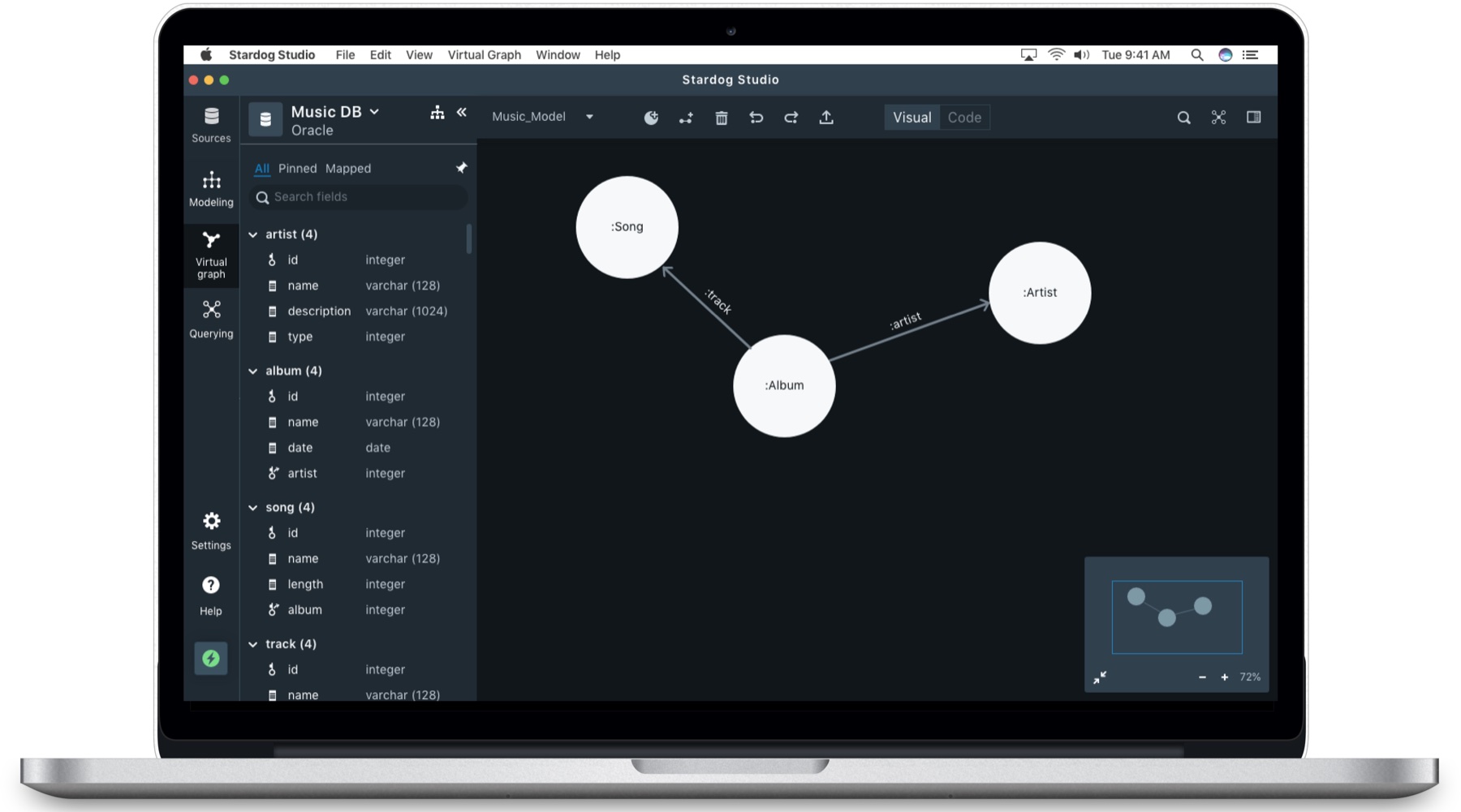
Our capstone project team was commissioned by the CEO of Stardog, a fast-growing Enterprise Knowledge Graph Platform provider, to redesign their existing knowledge graph product that could be used not only by technical users but also business analysts who typically rely on IT to create a graph for them. We identified a need for a simpler data unification process. We collaborated closely with their product and engineering team on a mission to design various Graphical User Interfaces (GUIs) that would allow non-technical users to do data mapping, data modeling on their own without any coding.
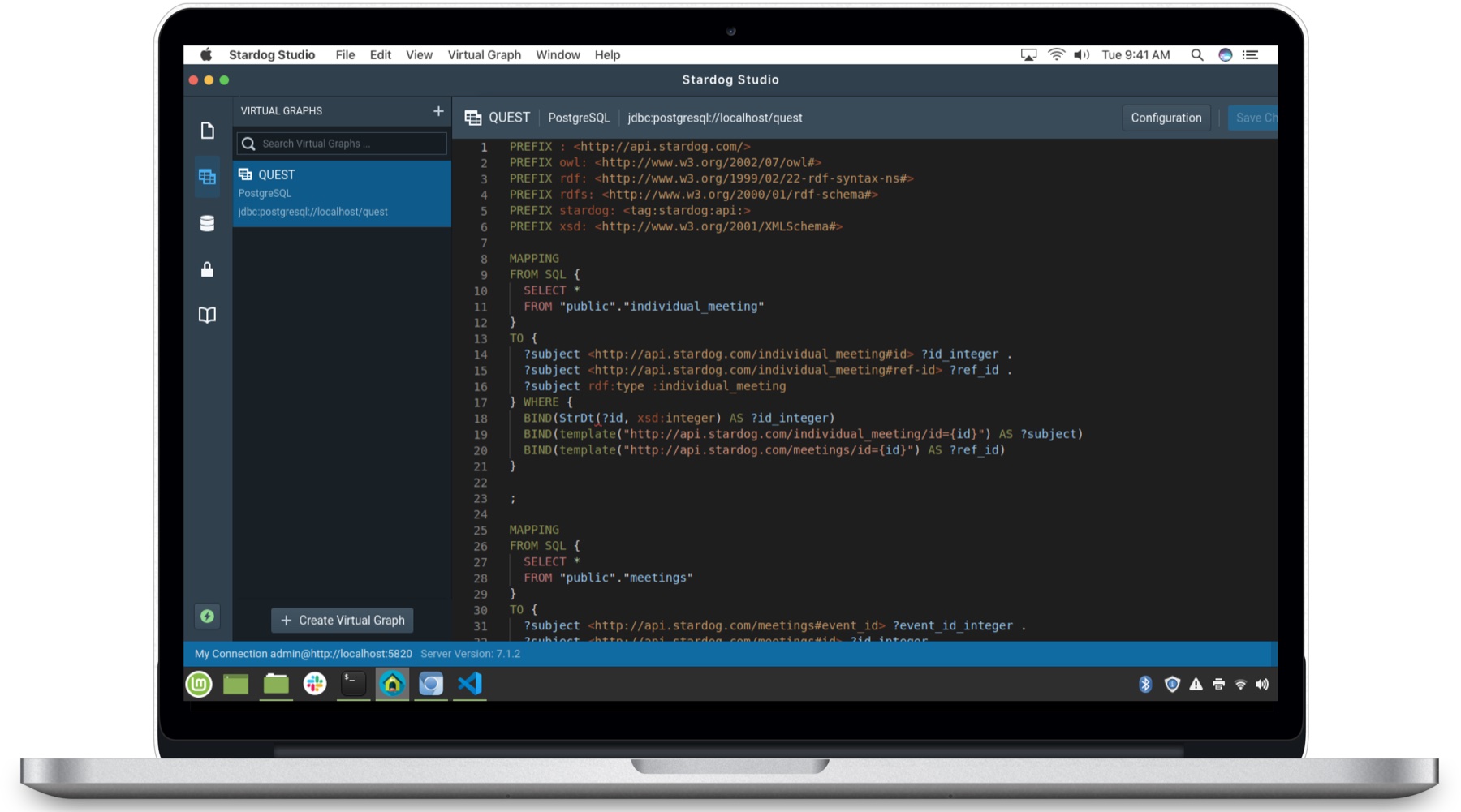

Why Use Visual Interface?
Current Stardog users are required to learn R2RML & SMS, a coding language, in order to create a Knowledge Graph for their organization. Junior Data Architects, Business Analysts, and Subject Matter Experts (SMEs) depend on the Data Engineers to set up and transform data into a useful knowledge graph and draw meaningful insights.
Objectives
Business Goal
To expand user groups to non-technical/business users who currently rely on engineers to make use of the product.
Project Goal
Redesign a knowledge graph platform in a way that allows non-technical users to prepare and create a knowledge graph on their own easily without relying on IT.
Background
1What is a Knowledge Graph?
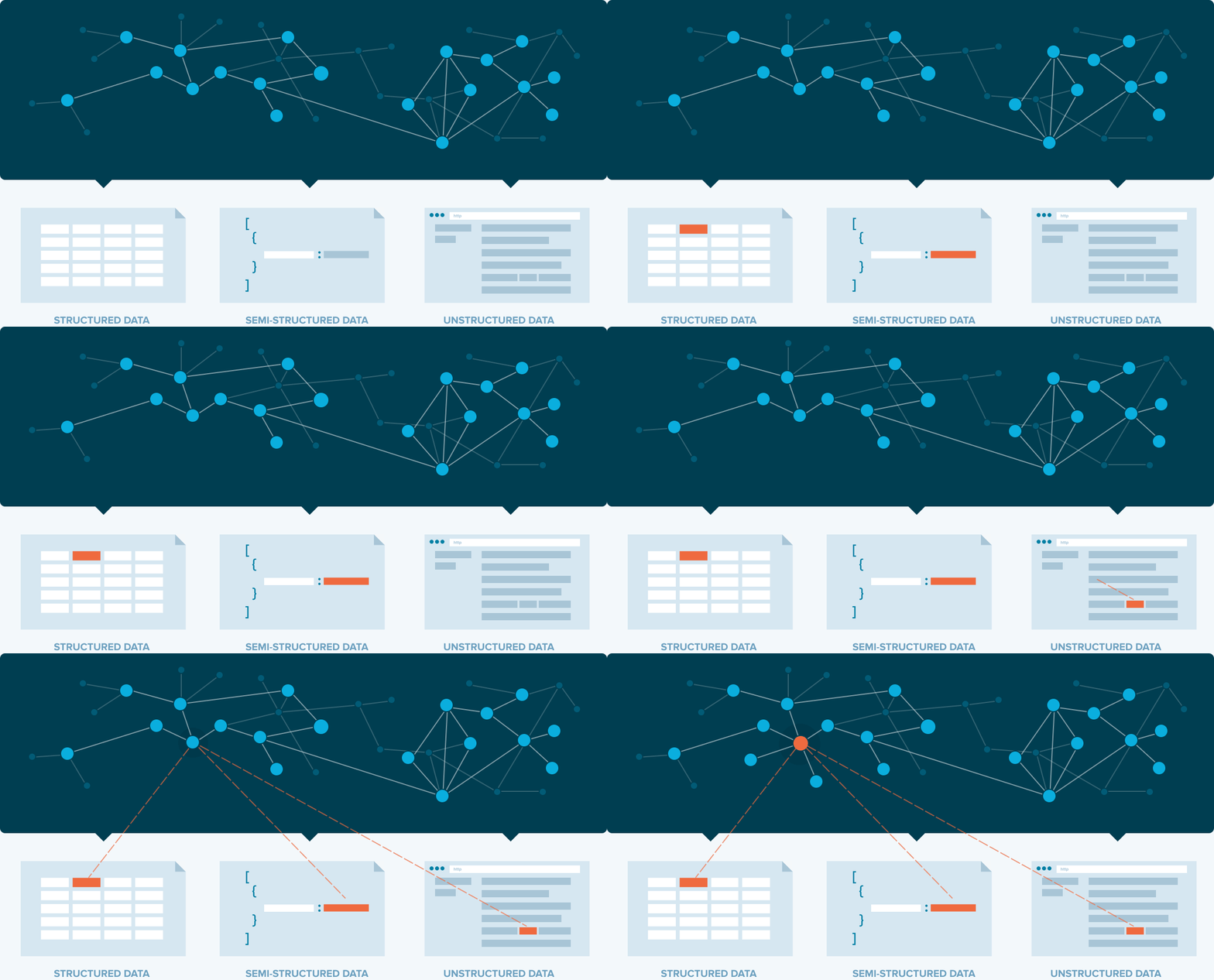
A knowledge graph is a graphical representation of all the data sources connected together (which was previously segregated) to transform information into useful knowledge to make an informed decision.
2Project Scope
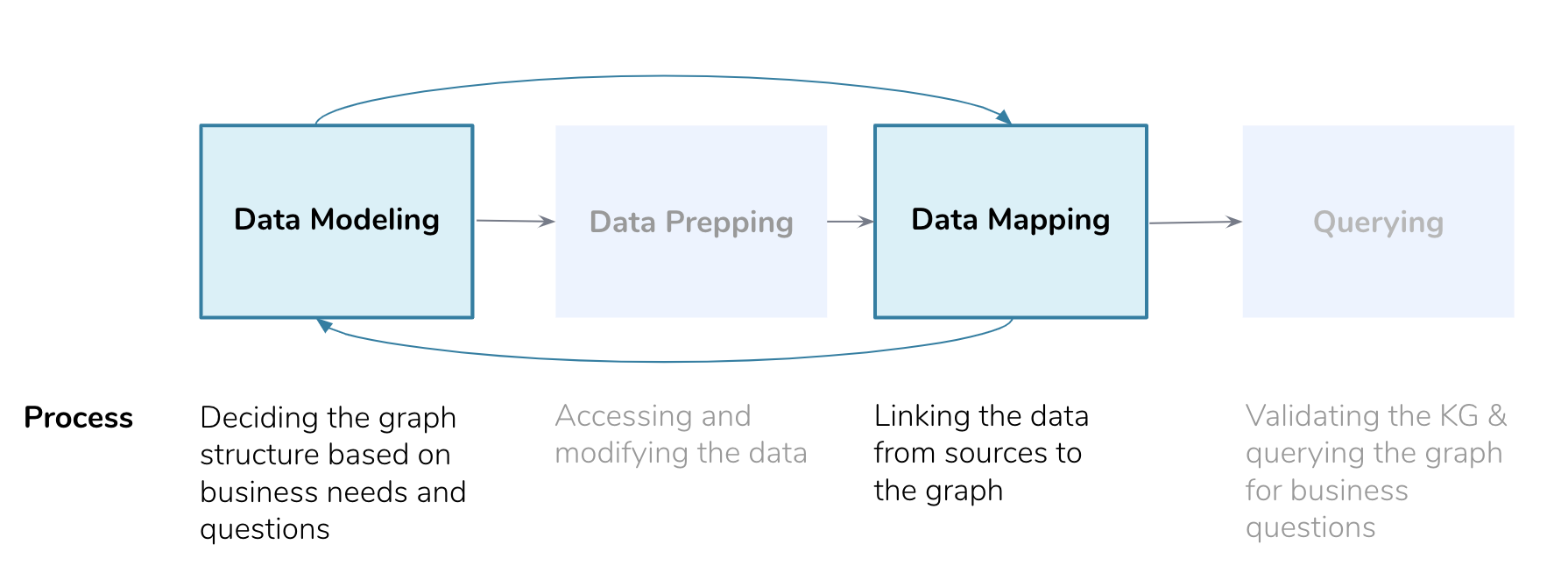
Creating a knowledge graph involves 4 major steps. As a v1 of the data unification tool redesign, we primarily focused on two core processes (data modeling and mapping).
3Target Users
Our primary target users are less experienced technical staff (e.g., Junior Data Architect, Software Engineer., etc.) who have less than 5 years of experience because they will gain the most immediate benefit from the visual interface.
4Process
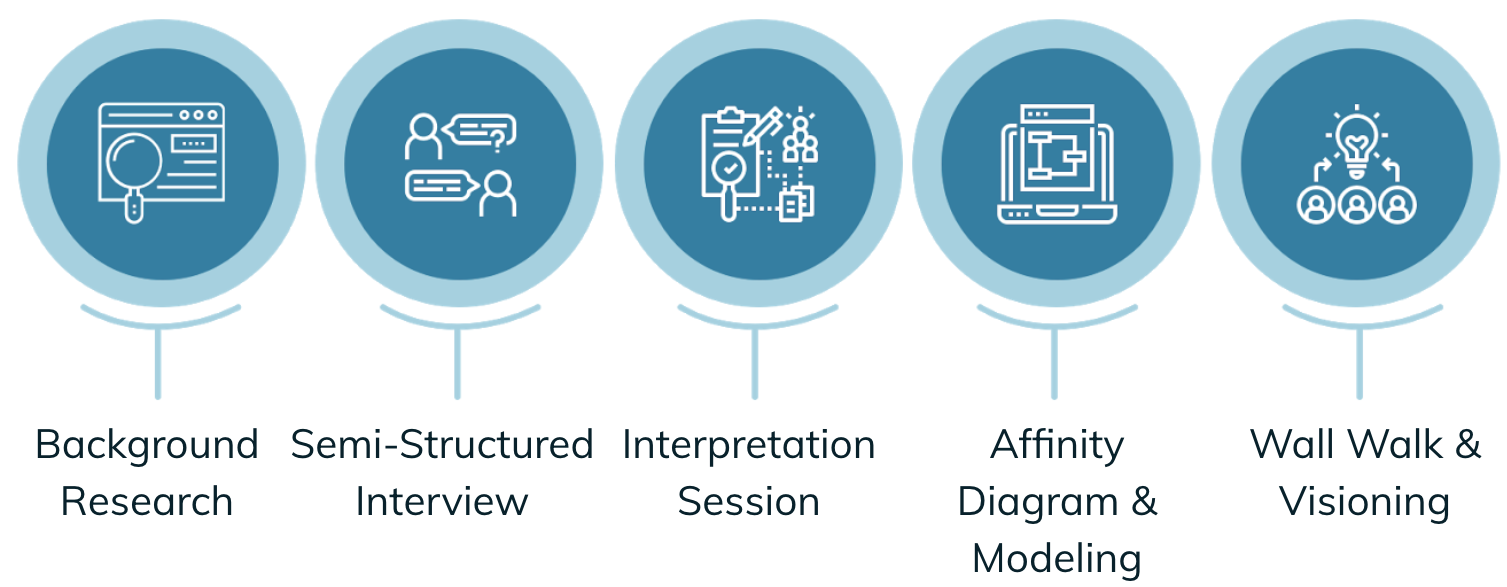
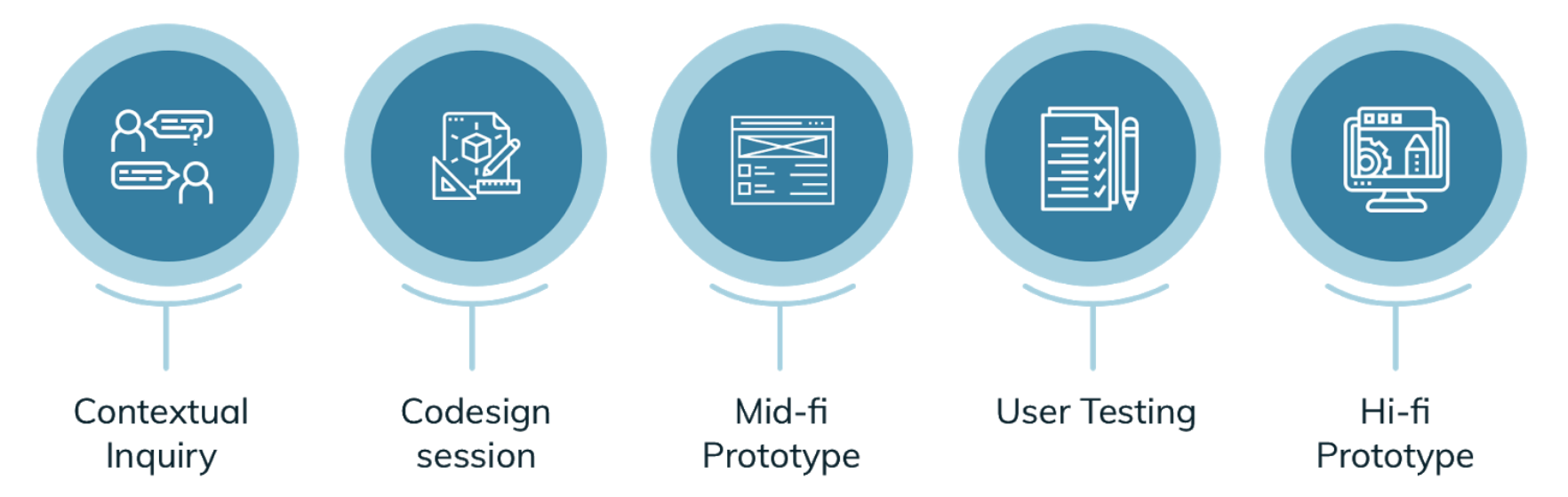
This project was divided into two phases. The first was the research phase which involved market research and contextual inquiries. The second was the design phase which involved prototyping and user testing.
Research and Key Insights
Initially, we conducted market research to explore how other tools in the marketplace use GUI for knowledge graph creation. Later on, our team conducted 11 semi-structured interviews, 5 contextual inquiries + co-design sessions, and 5 mid-fi user testing to go deeper and understand the user’s pain points of the Stardog Studio’s current interface and discuss possible solutions.
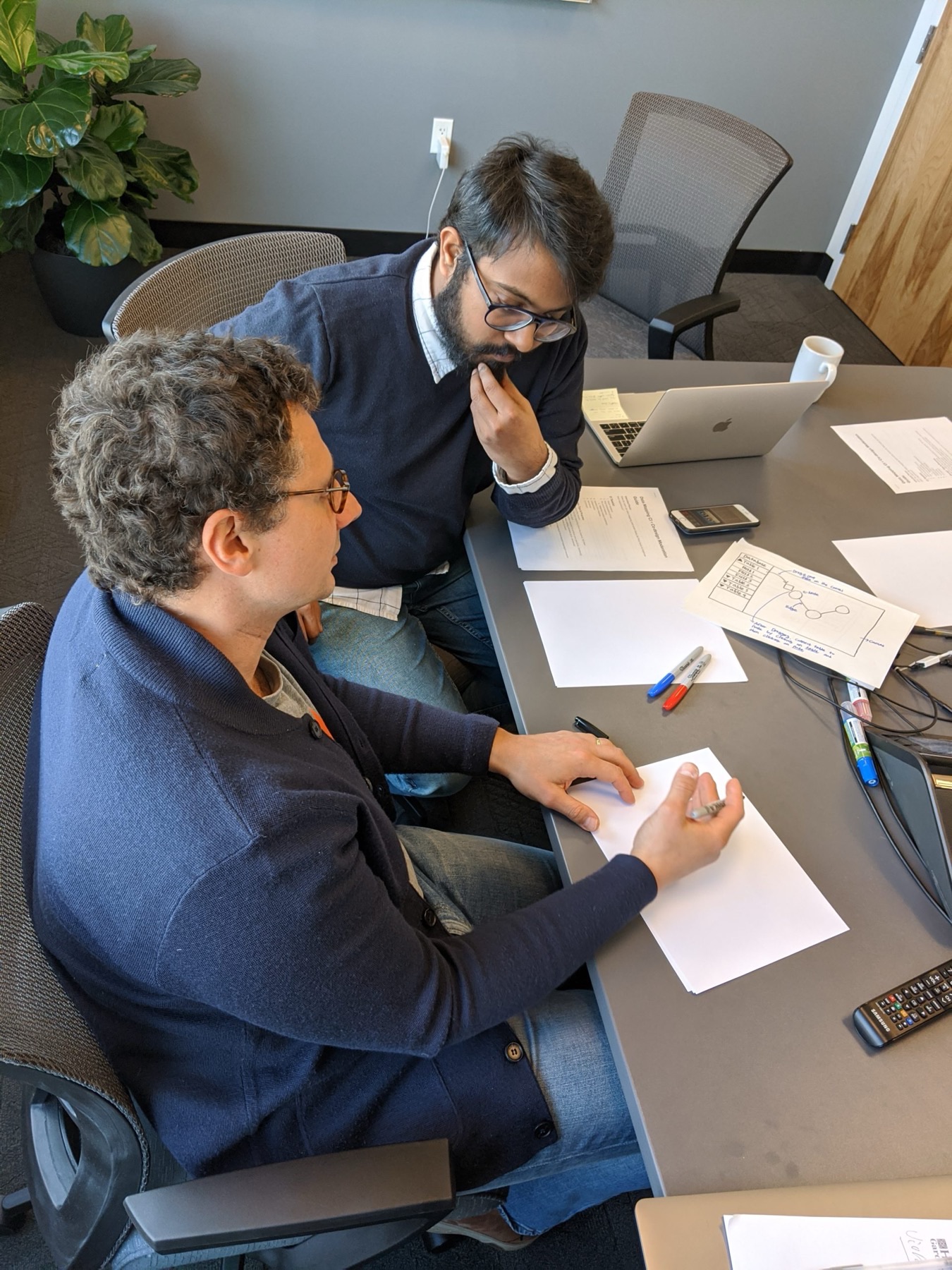
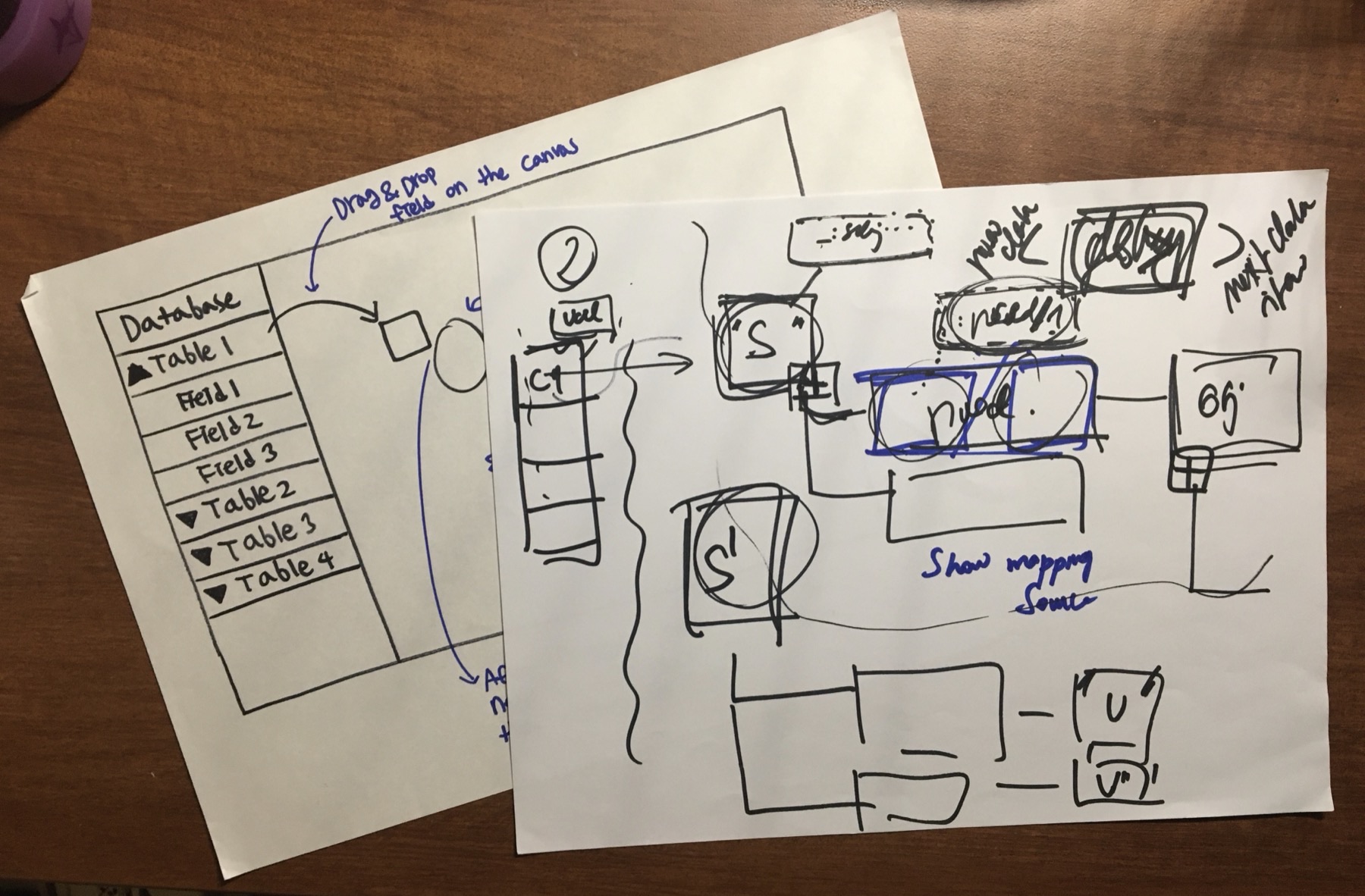
* Codesign Session
Research Deliverables
Our initial user research helped us understand an end-to-end process of creating a knowledge graph. Building a storyboard and workflow model allowed us to capture and communicate those main steps and discuss the project scope with key project stakeholders more efficiently.
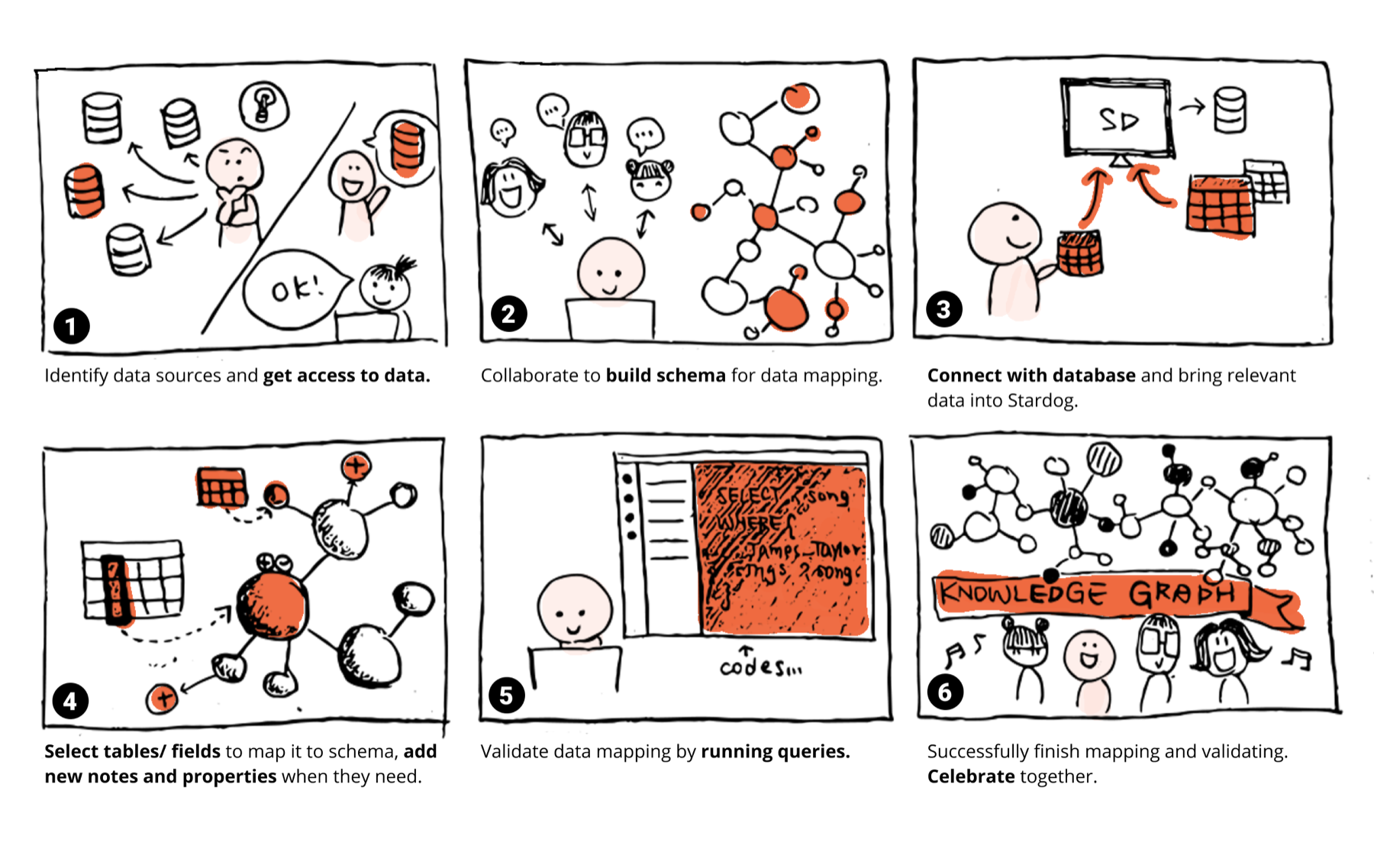
* Storyboard
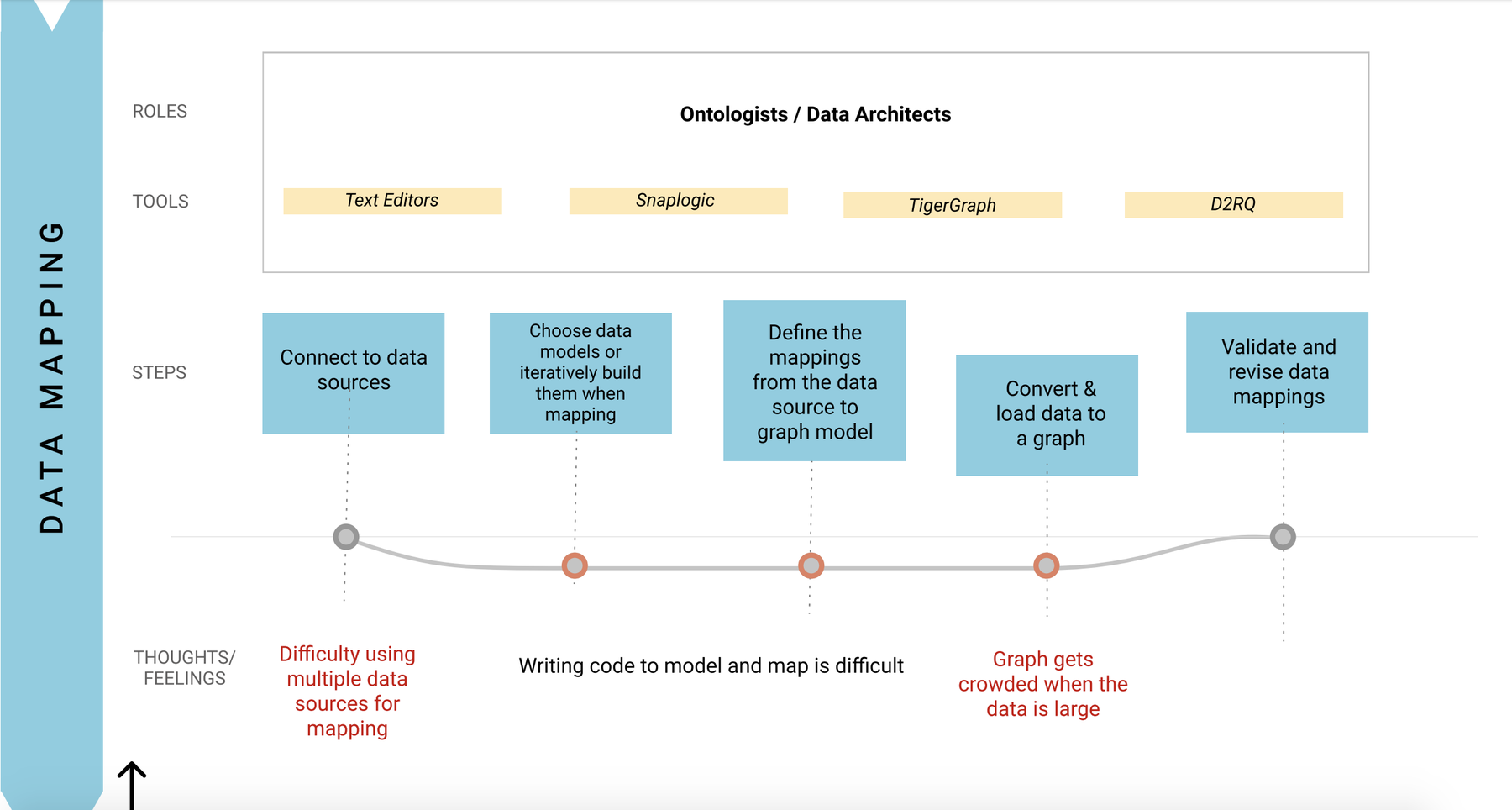
*Work Flow Model (Click to view in full-size)
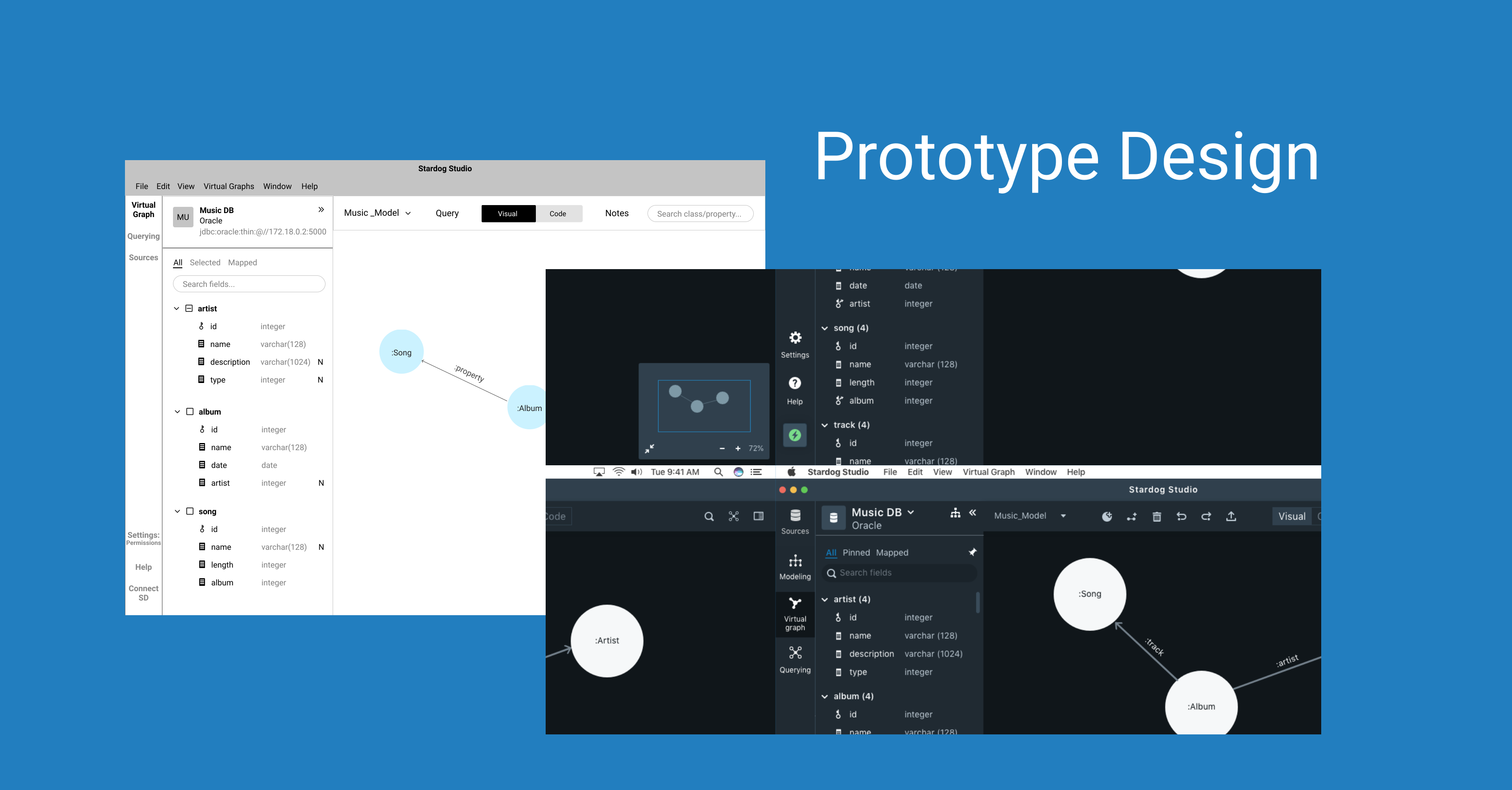
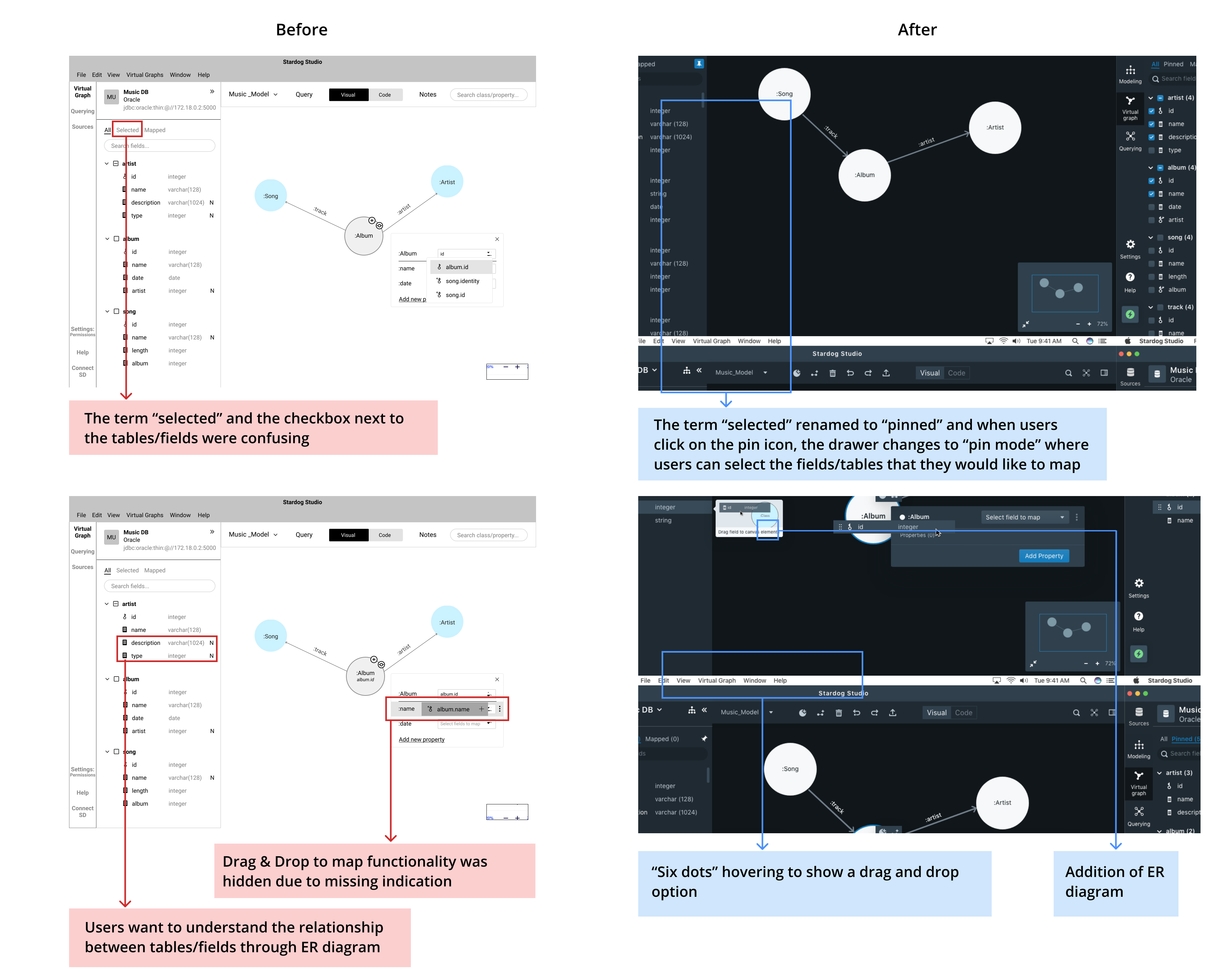
Initial Design vs. Final Design
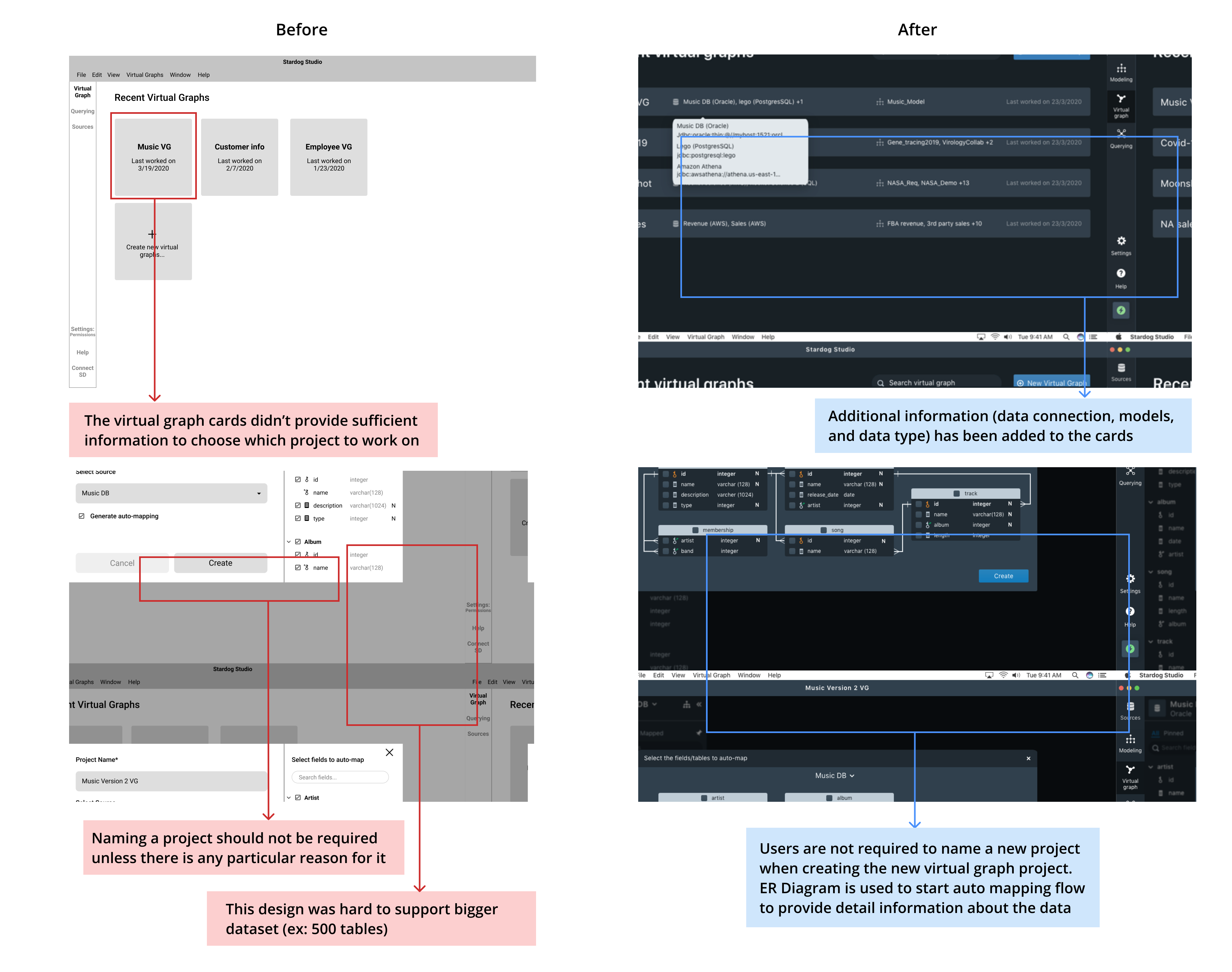
- Creating and Opening a Virtual Graph Project + Auto Mapping: Start a new project or open existing projects. The auto-mapping feature automatically creates a data model and map the selected fields from the database.
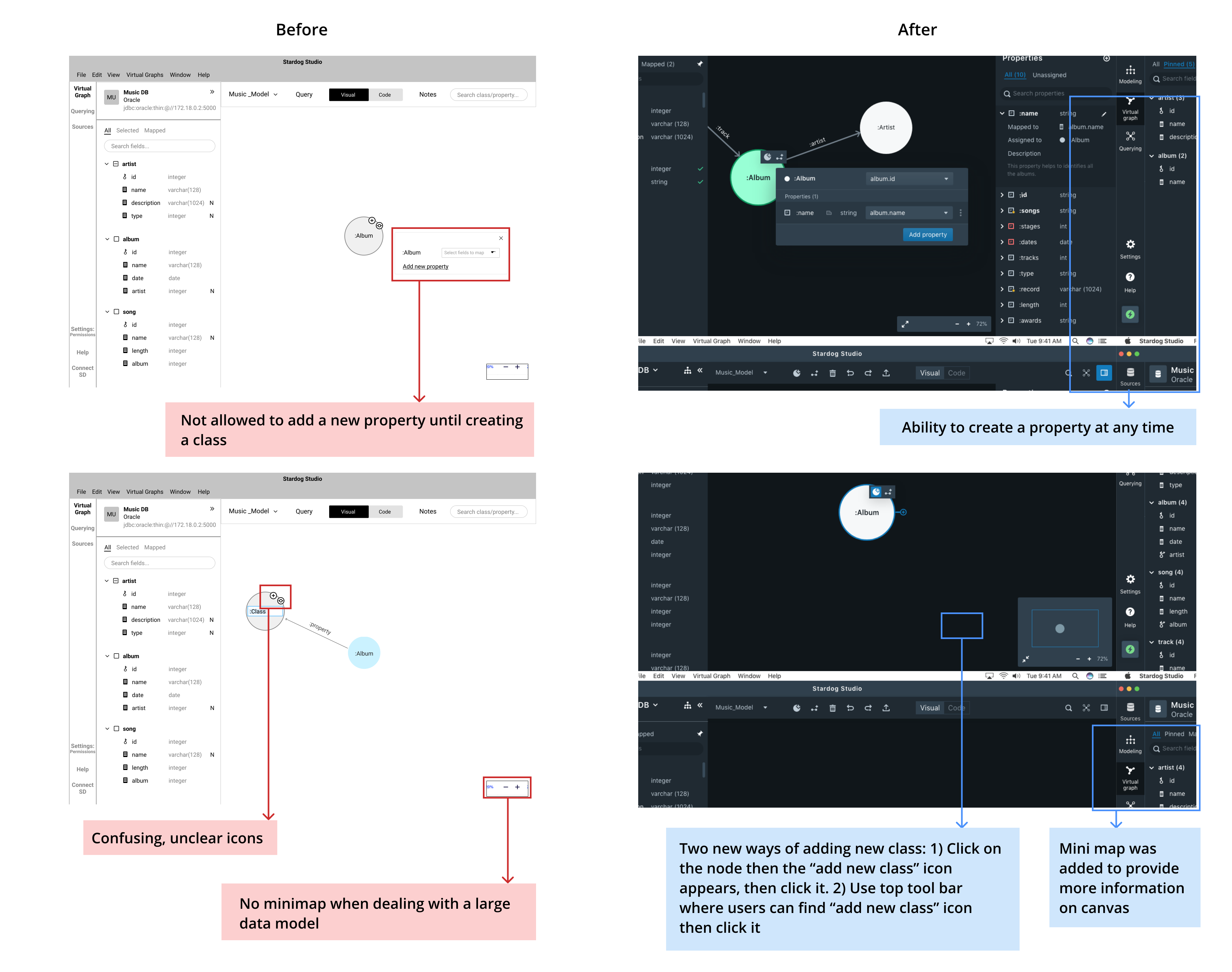
- Data modeling: Create classes and properties and add relationships between classes.
- Data mapping: Connect the fields from the database to classes, properties, and relationships.
1. Creating a Virtual Graph project + Auto Mapping
2. Data Modeling
3. Data Mapping