Agent Chat for Electronics Engineering
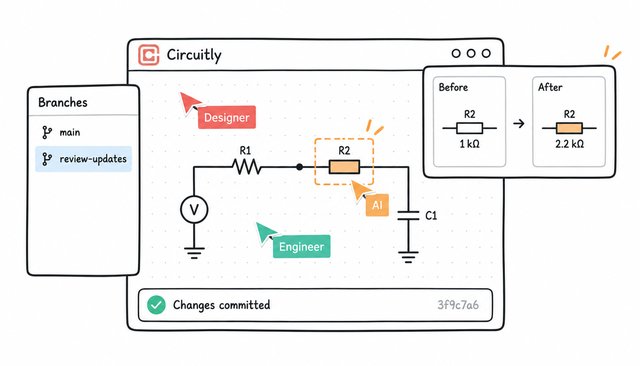
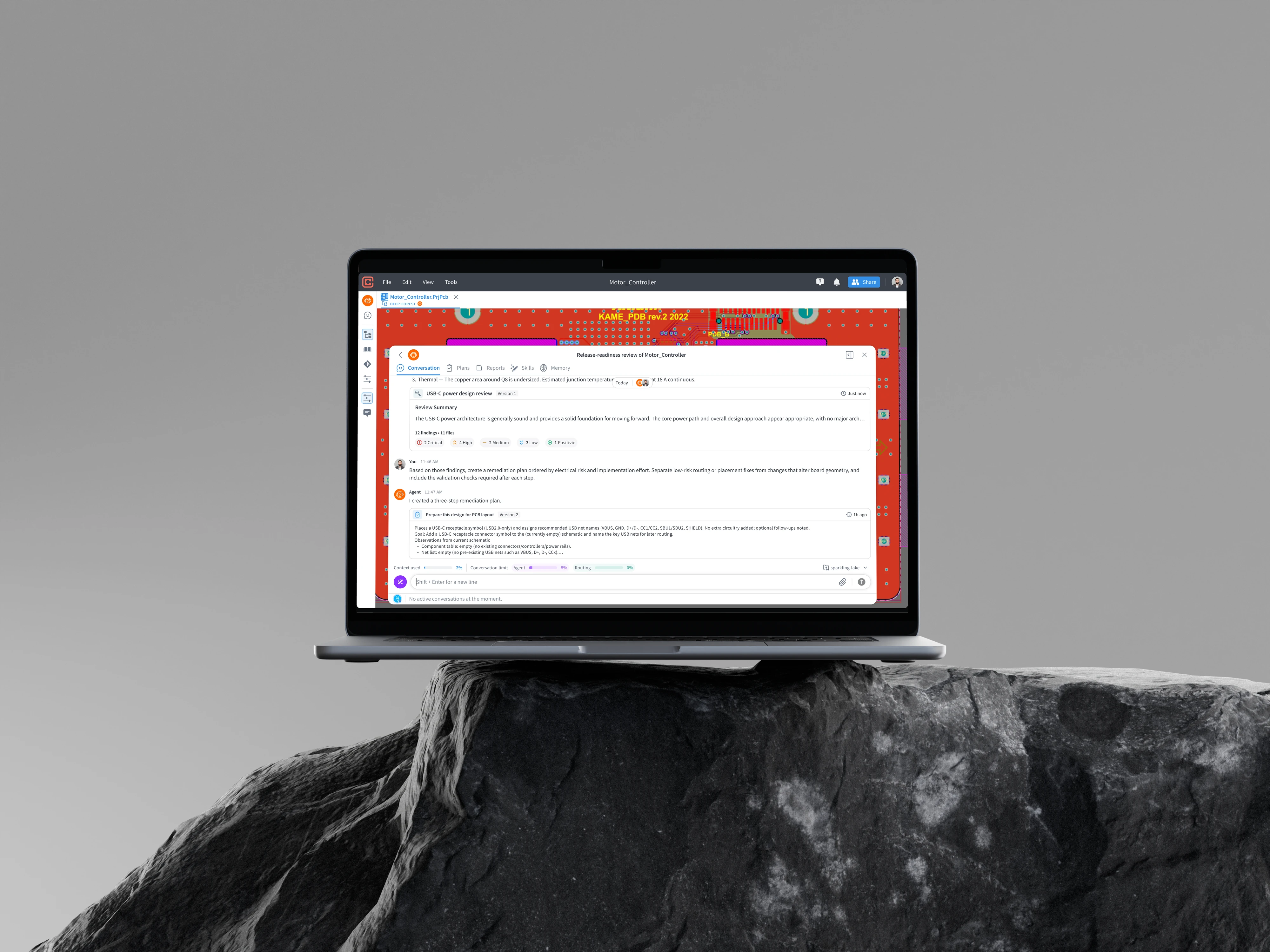
Circuitly is an AI-powered platform that helps engineers design the electronics inside everyday products. I led the design of its first AI chat experience, narrowing our initial scope to focus on helping engineers review and improve their designs.
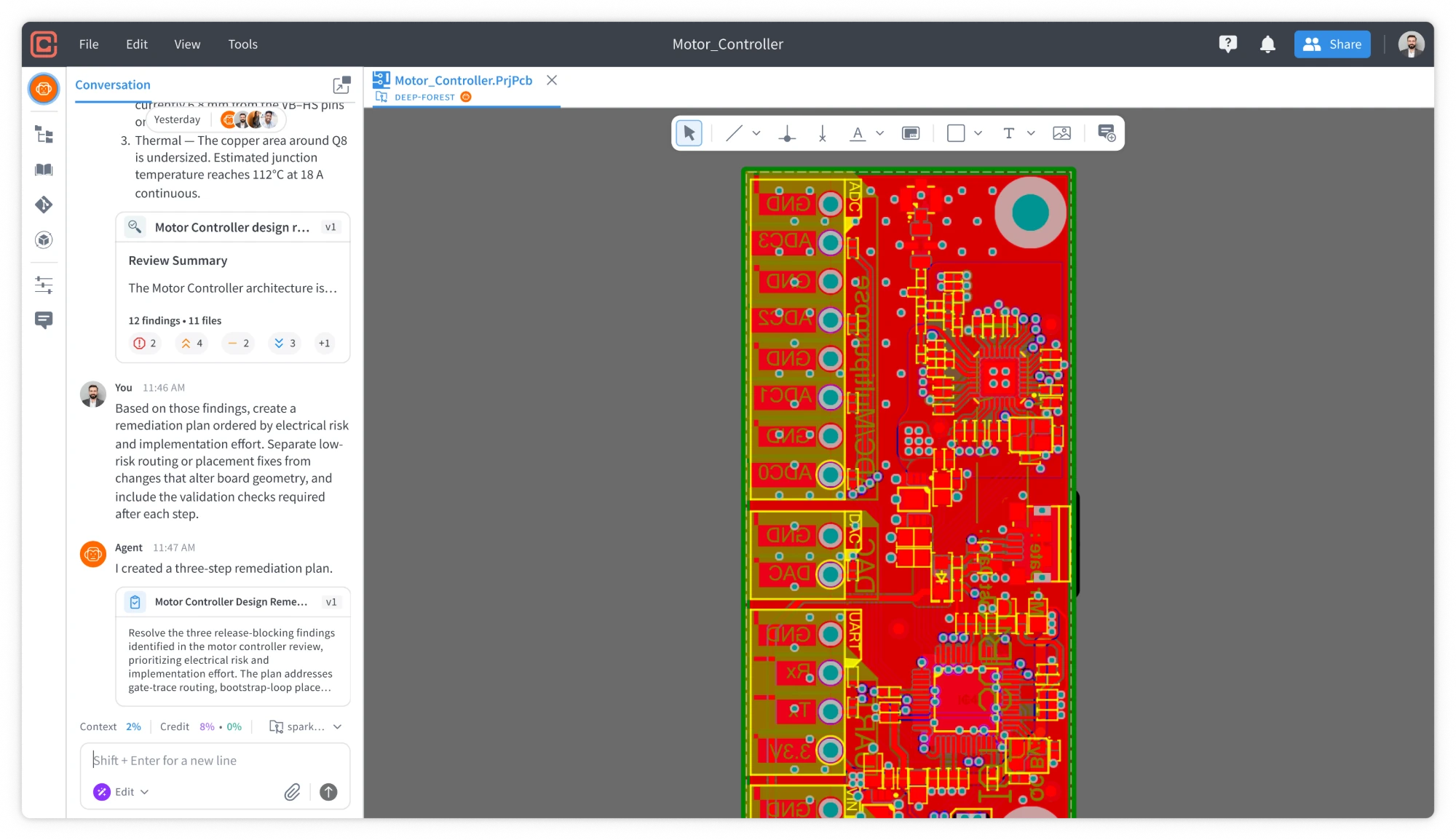
Engineers can ask AI to check their work for potential issues, suggest fixes and improvements, and answer follow-up questions. They can also track each finding as they work through it, keeping the review and next steps together in one place. AI-assisted editing was also supported in beta.
So, what is electronics design?




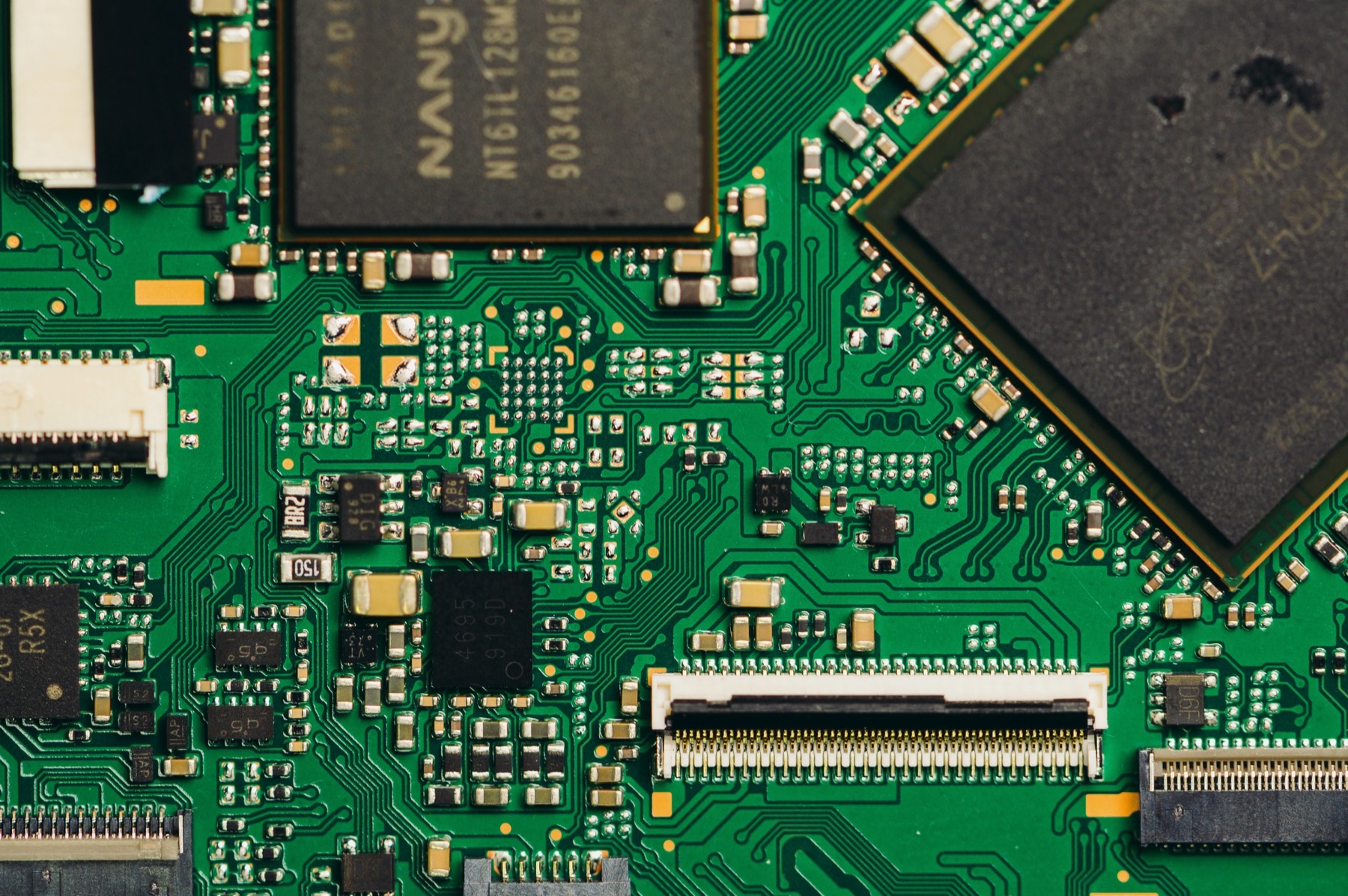


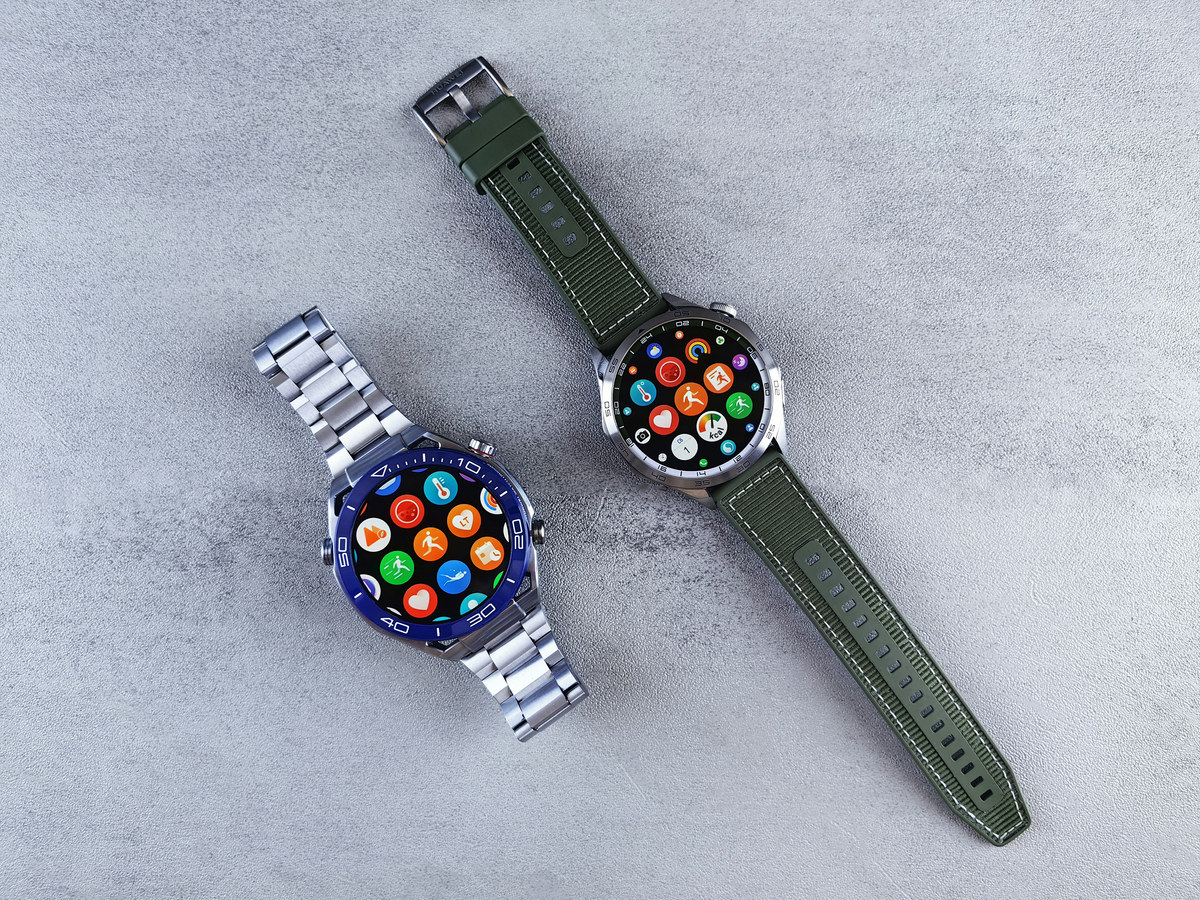



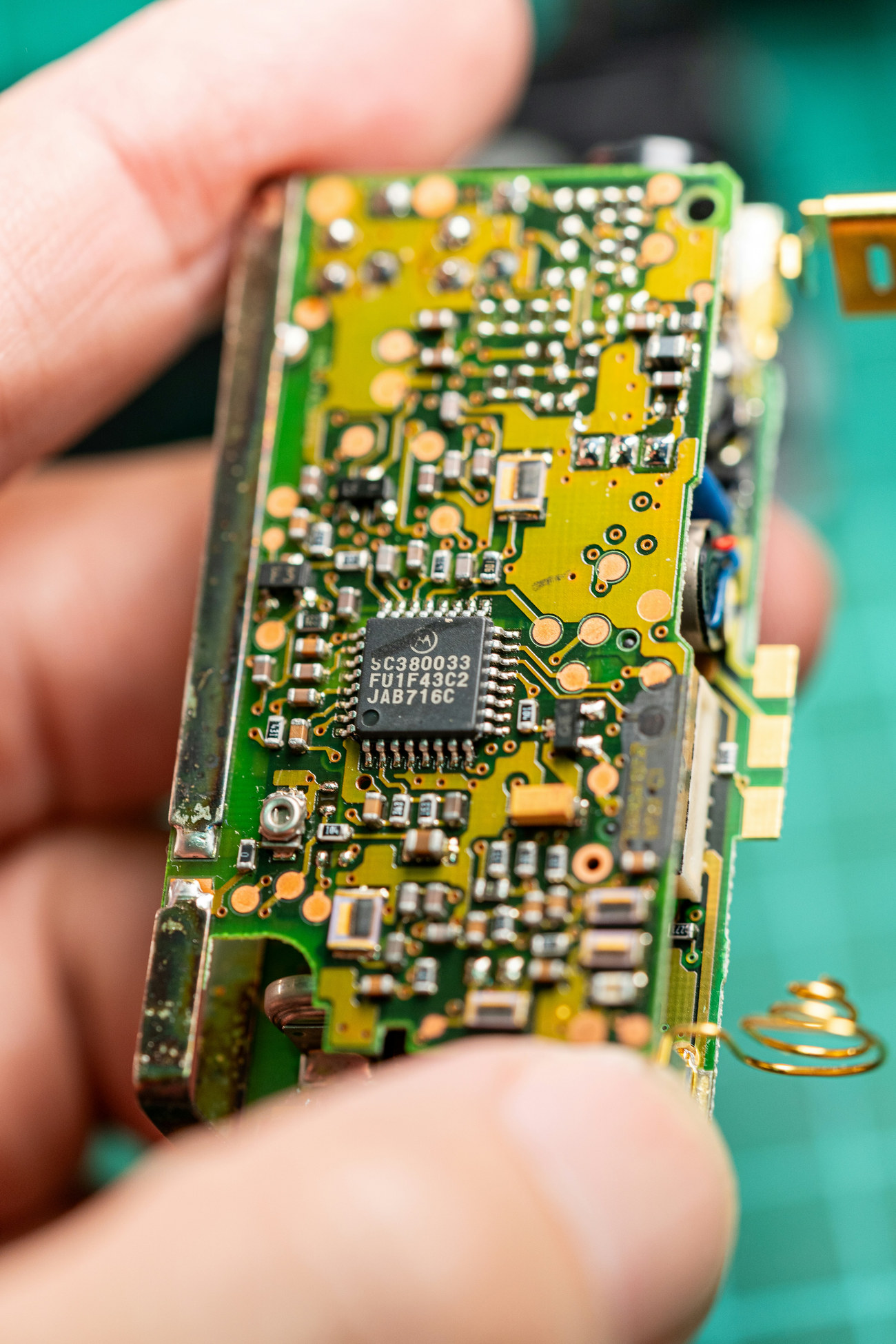
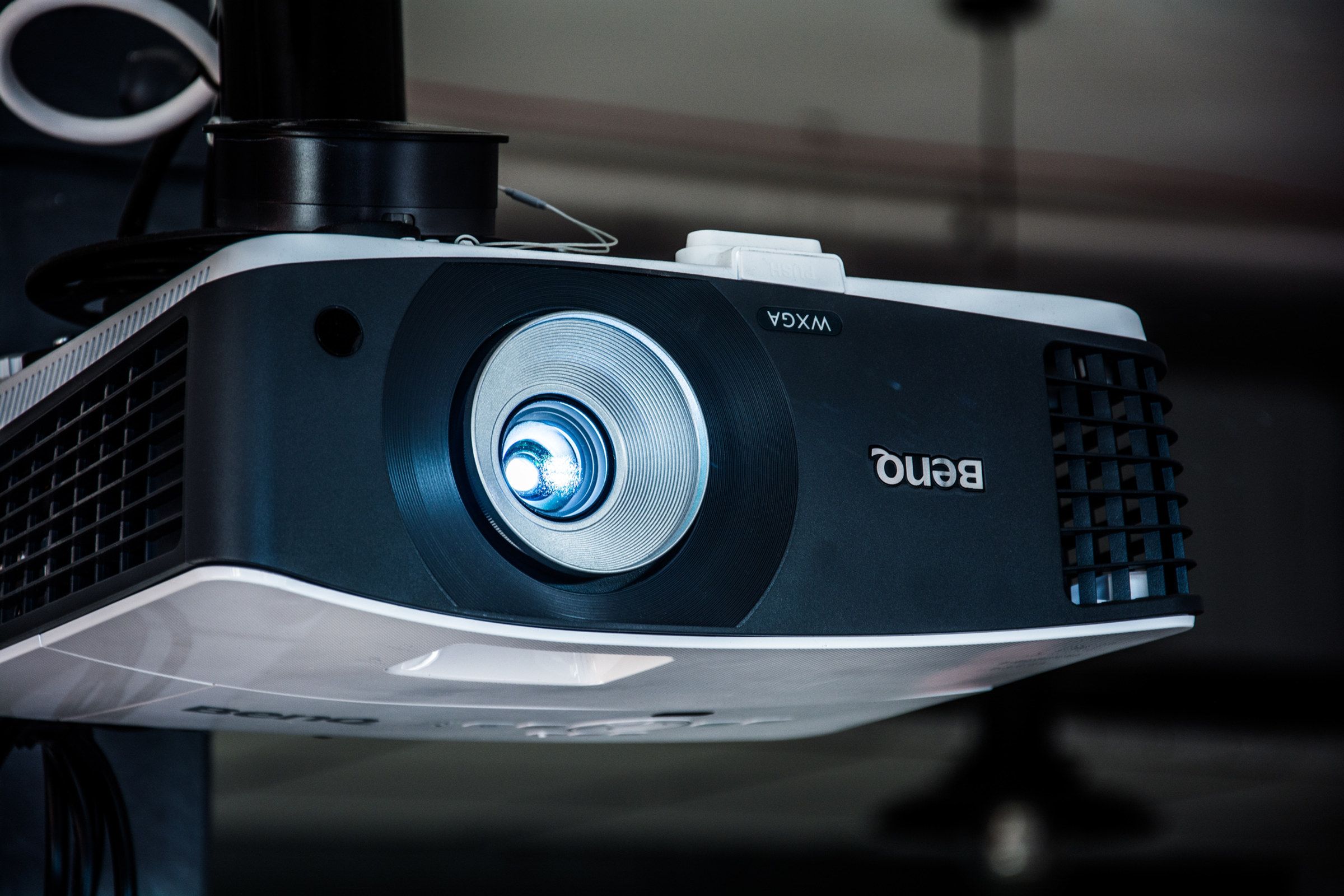
Electronics are everywhere.
Designing them is still too hard.
From everyday devices to life-saving equipment, every product starts with engineers connecting components and designing a circuit board. But the tools they rely on are often difficult to learn and time-consuming to use.
3 CORE CHALLENGES
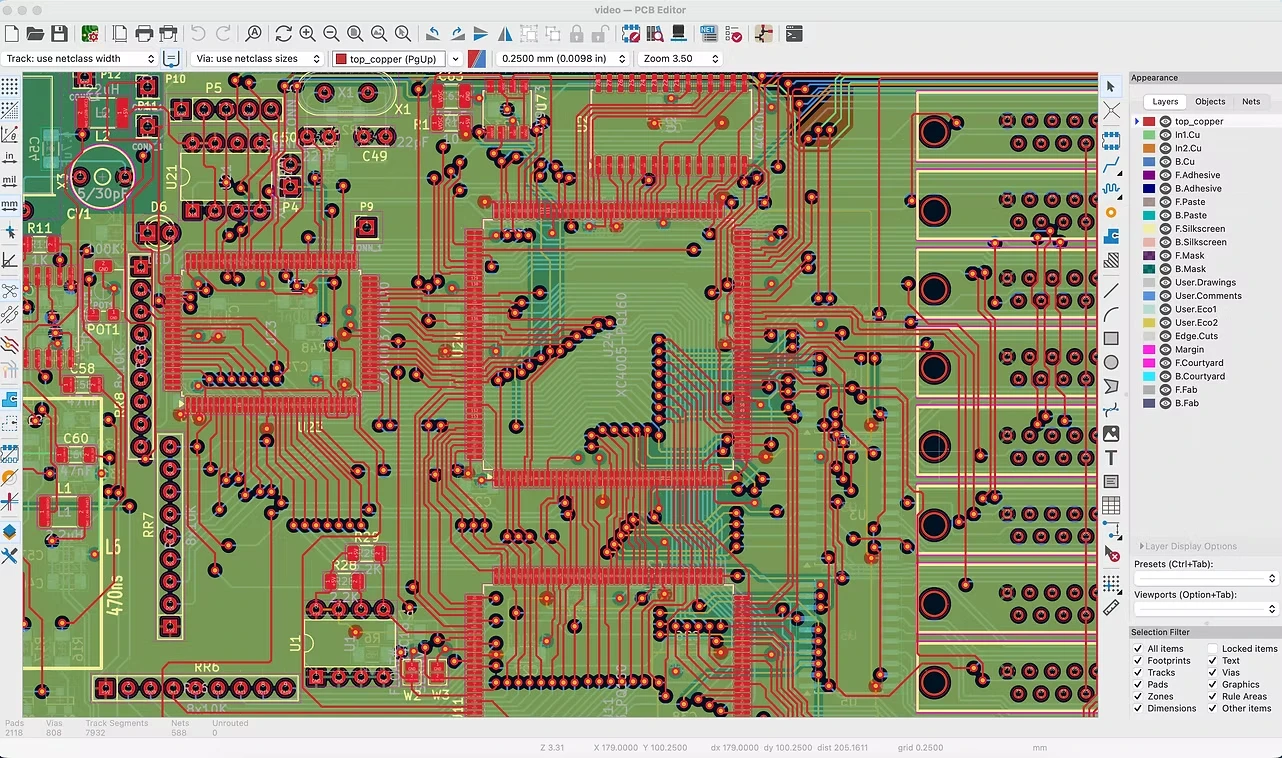
KiCad 9.0—built on more than three decades of evolving electronics design workflows.
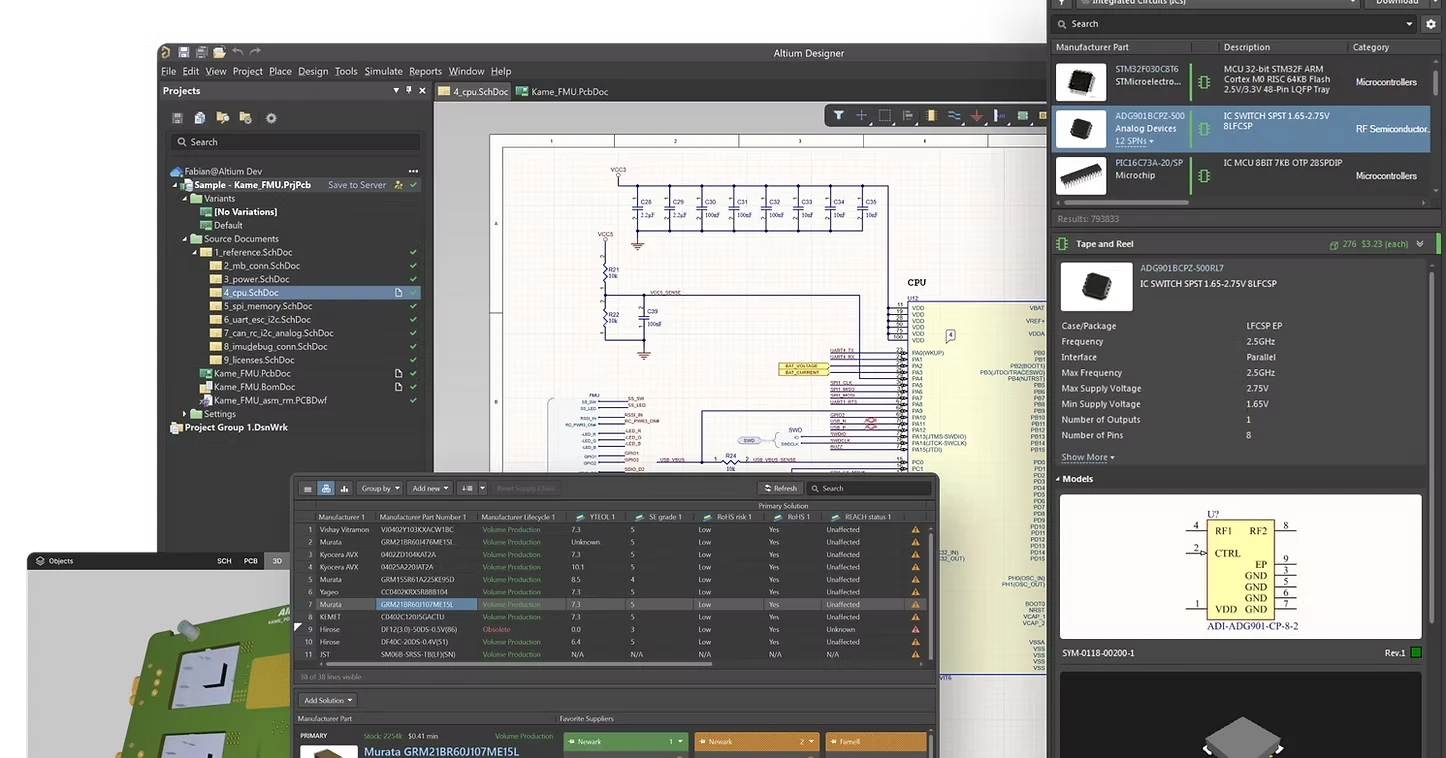
Altium 365—has been in the electronics-design market since 1985.
Steep learning curve in existing tools
Existing solutions on the market had dense interfaces and unfamiliar workflows, so engineers had to spend time learning how to use them before they could start designing.
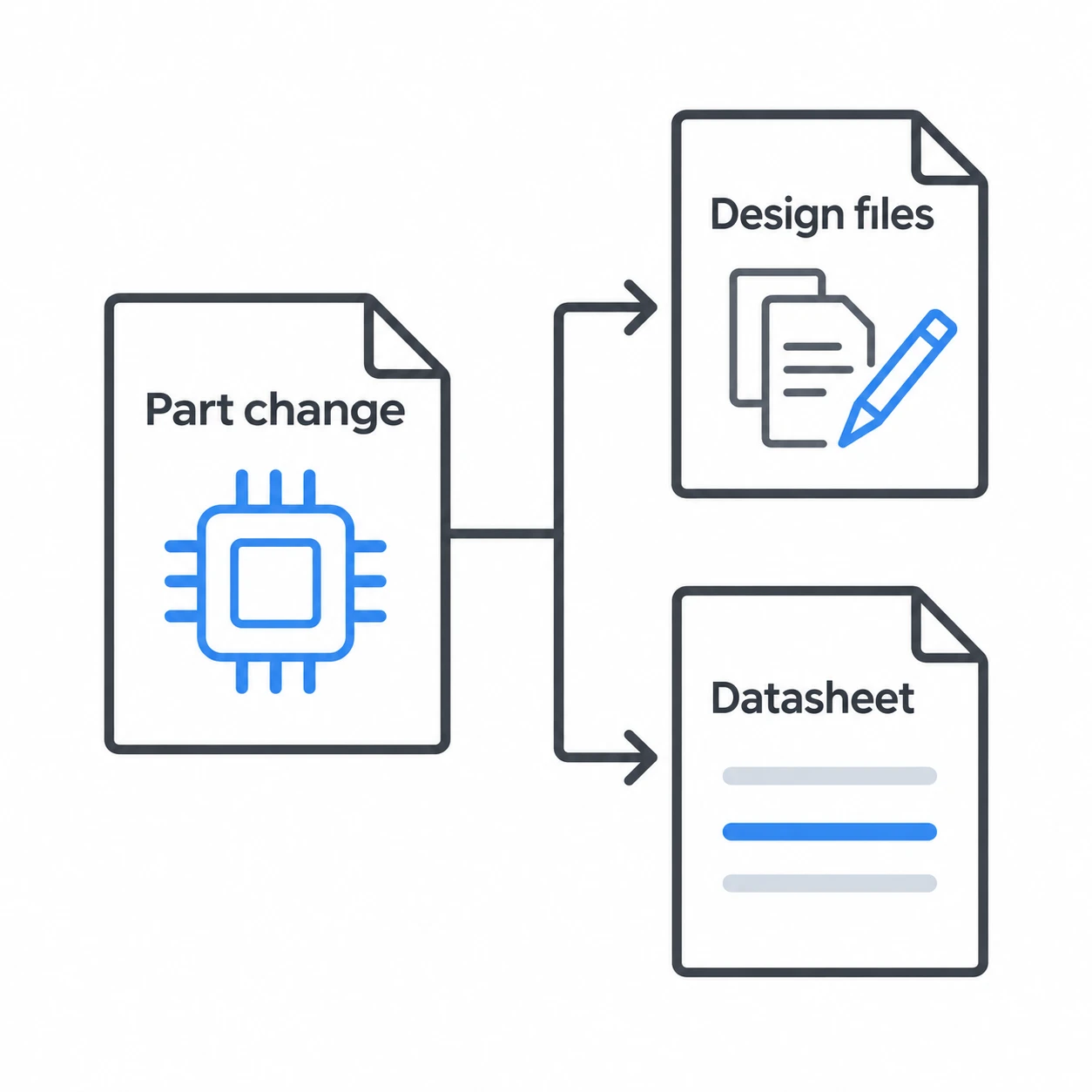
Repetitive edits slowed iteration
One component change required updates across multiple files, slowing iteration and making updates easy to miss.
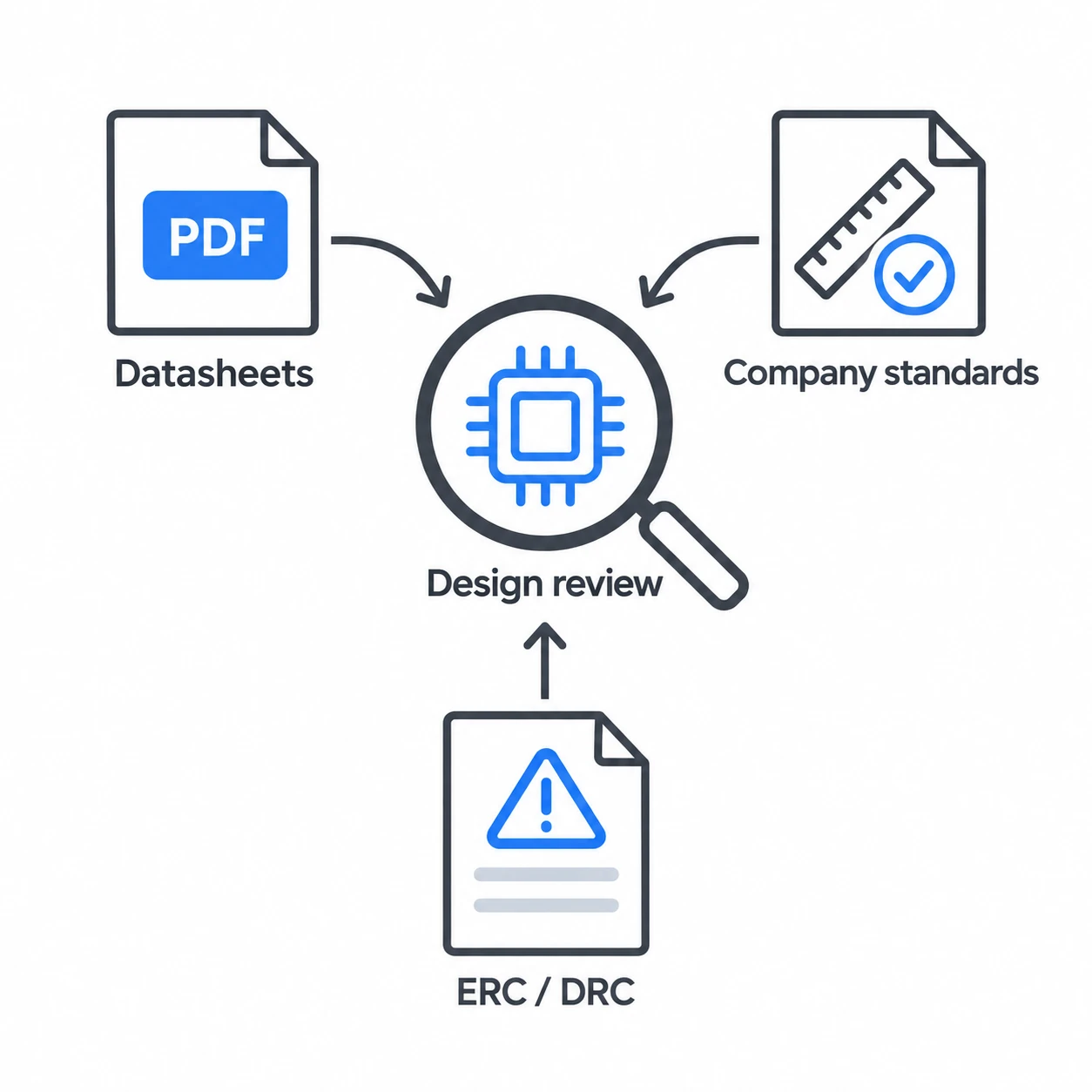
Fragmented reviews
Scattered specifications and check results slowed reviews and made issues easy to miss.
OUR DIRECTION
Making circuit board design easier to use.
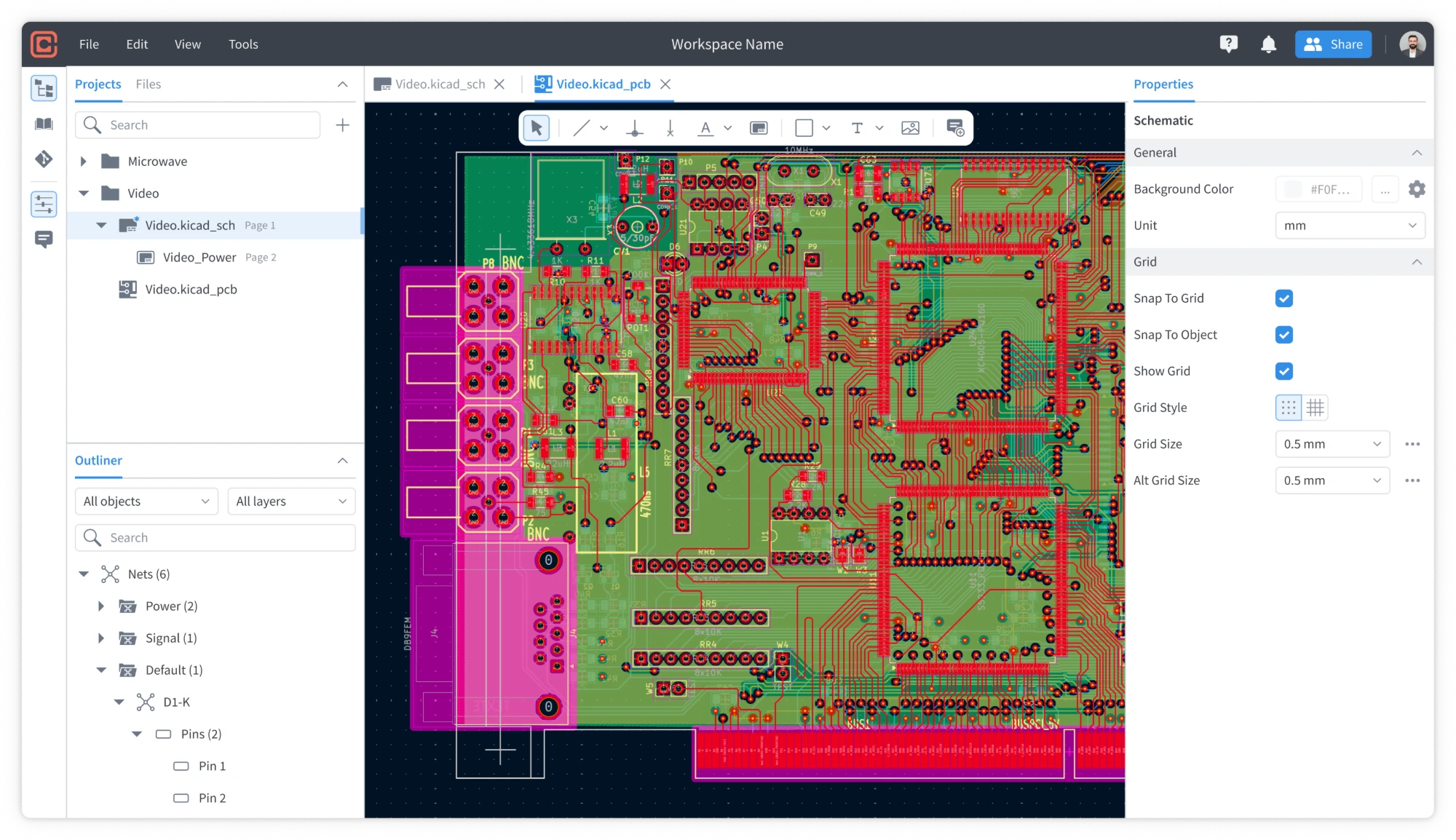
Circuitly set out to make creating and editing circuit boards easier and faster. Its early experience still relied on engineers placing components, routing connections, and editing layouts manually.
As AI capabilities improved, we saw an opportunity to go further: let engineers describe their intent while an agent takes on the editing work.
From manual editing to AI-powered design.
Engineers made every edit.
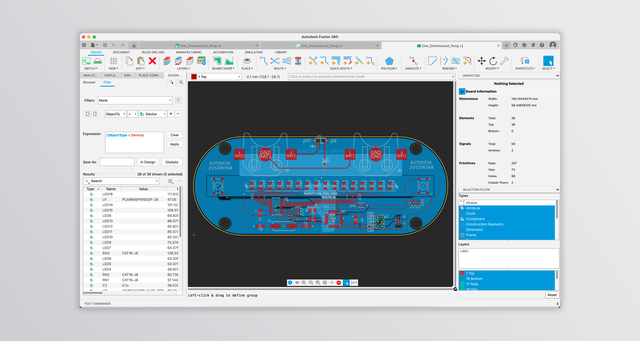
Circuitly simplified the workspace, but engineers still placed components, routed connections, and updated layouts manually.
What I learned from interviewing engineers
I interviewed electronics engineers and professionals in related fields at industry conferences and trade shows to understand where AI could help in their workflows. They were particularly interested in AI-assisted design review, but wanted more visibility and control before trusting an agent to edit their designs. These findings helped us prioritize design review for our first AI release.
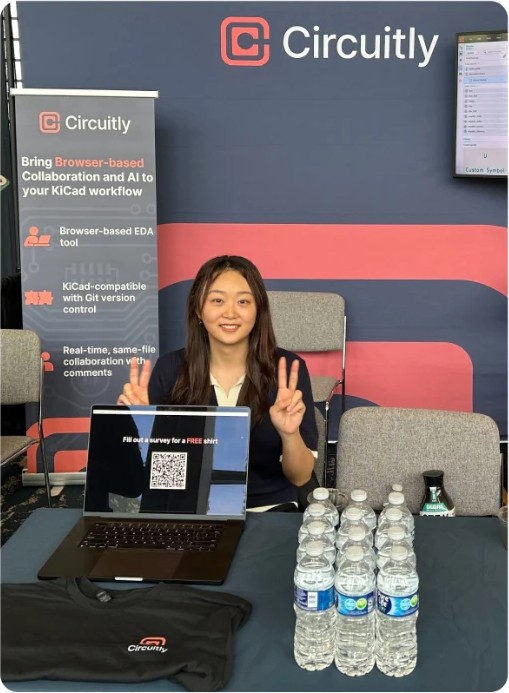
**PCB West
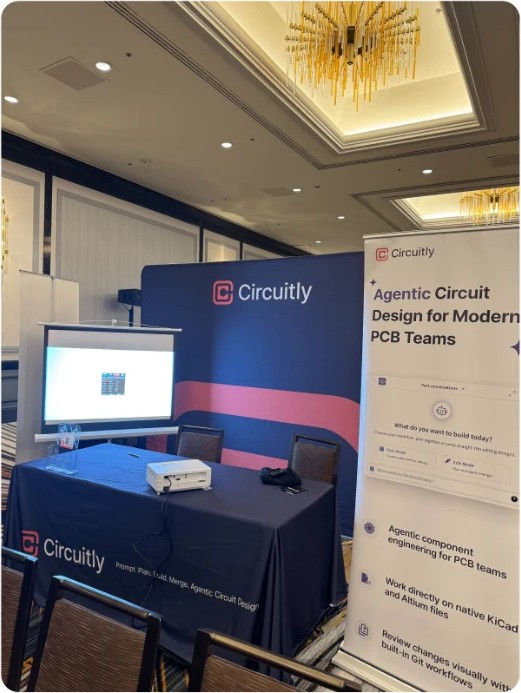
**Kinetic

**PCEA
KEY INSIGHTS
Strong interest in AI assistance
They were interested in AI that could support their existing workflows.
Design review offered immediate value
Some engineers were already using AI to catch issues before the next phase and found it valuable that AI handle exhaustive, repetitive pattern while they are accountable.
Agent editing still required trust
Engineers worried that fixing an incorrect AI edit could take longer than starting over. They wanted visibility and control before allowing changes.
OUR DECISION
We prioritized design review for our first AI release.
Review offered a practical starting point: Help engineers identify issues while keeping design changes in their hands. It also created an opportunity to build trust before introducing automated editing.
From research insights to design principles
Conversations with electronics engineers, team discussions, and competitive analysis shaped three design priorities: helping engineers understand findings, ask questions, and decide what to do next.
01
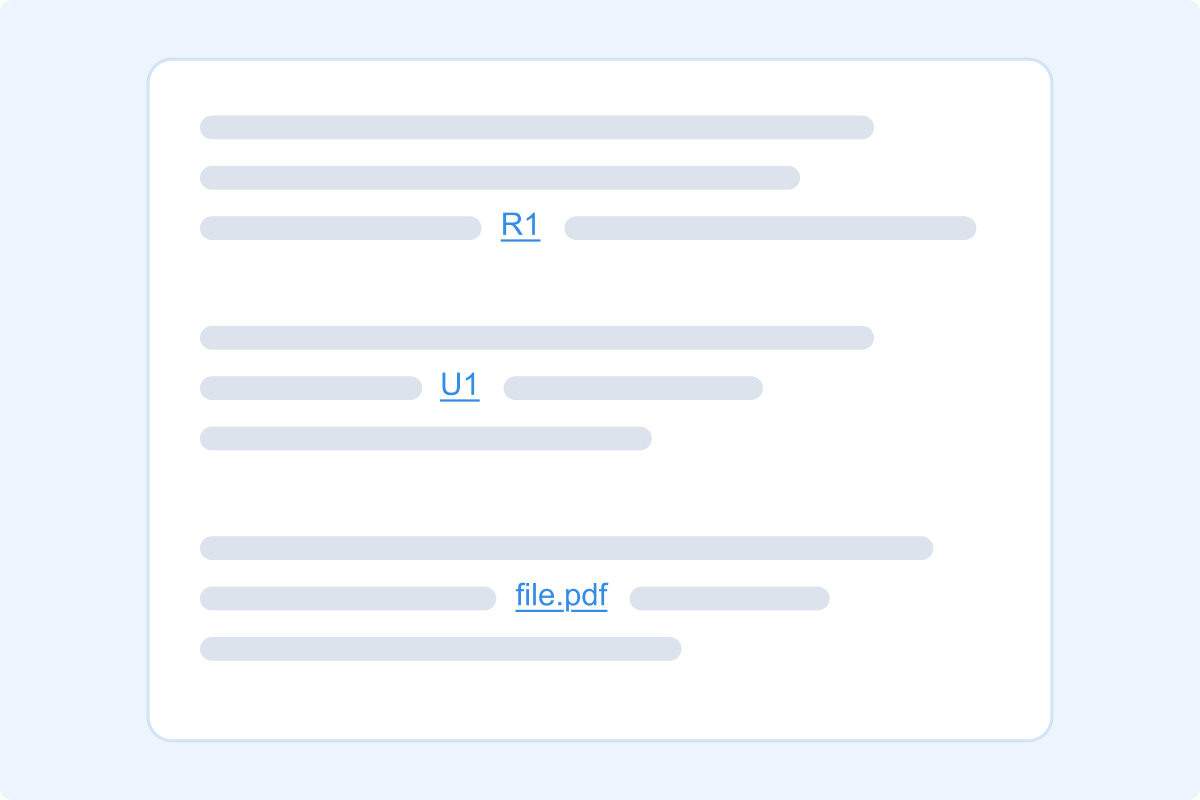
Put findings in context
Explain why an issue matters and link to component references or supporting files.
02
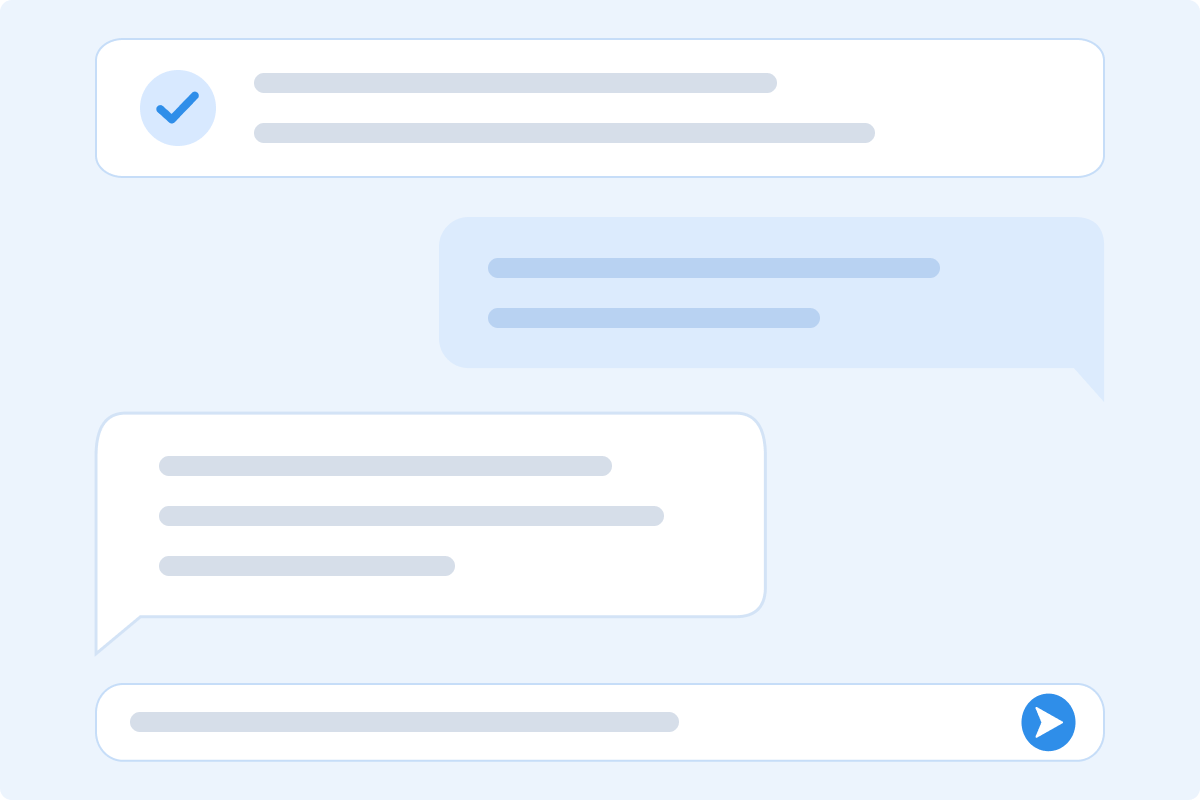
Keep the review conversational
Unlike static reports, let users ask follow-up questions and explore the results.
03
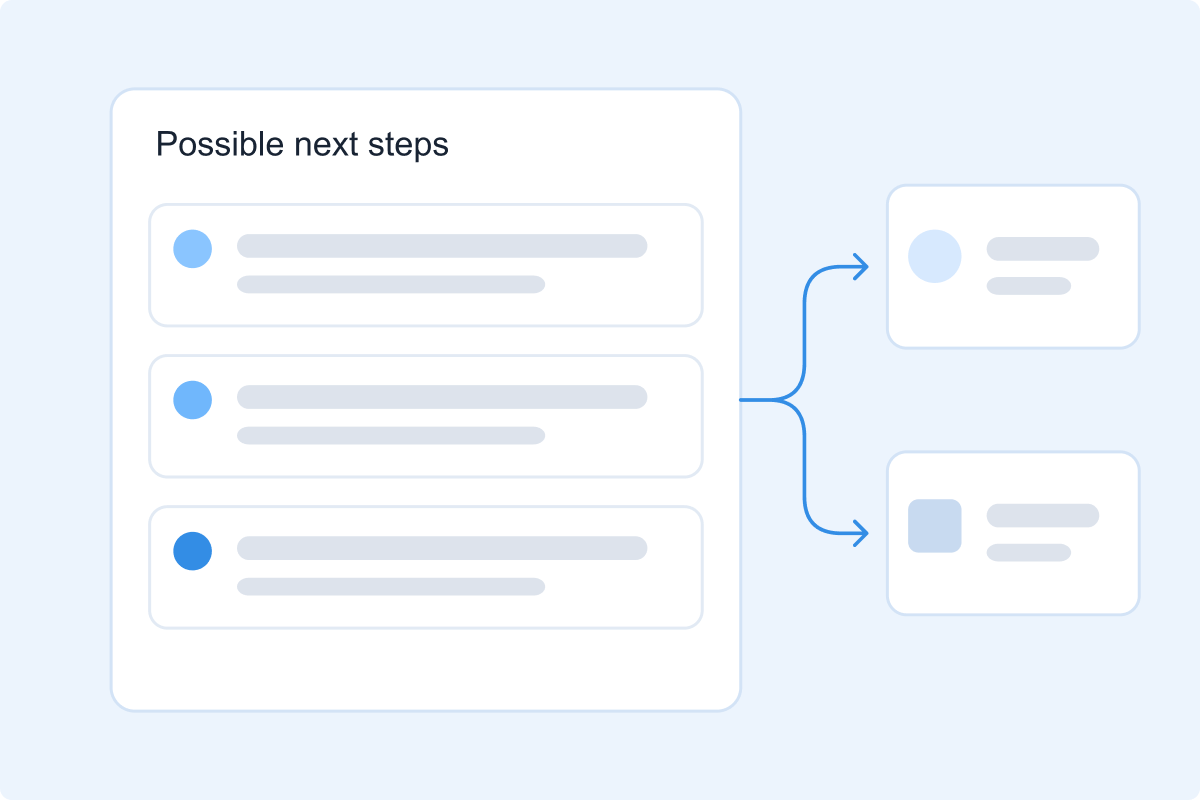
Guide the next step. Keep engineers in control.
Offer guidance so engineers can decide how to proceed.
A lightweight first draft
I advocated for a structured AI review report with PDF export. Engineering favored chat to prioritize bug fixes and review quality. We agreed to start lightweight and revisit the report later.
MY INITIAL PROPOSAL
Structured report + PDF export
Make findings easier to review and share.
OUR AGREED FIRST DRAFT
Review through chat
Prioritize bug fixes and AI review quality.
What the demo clarified
3 calls with prospective customers helped us refine the next iteration: making findings easier to scan, ask follow-up questions about, and track.
**Summarized feedback, not direct quotes
01
Make reviews easier to scan
Group findings by issue and severity.
02
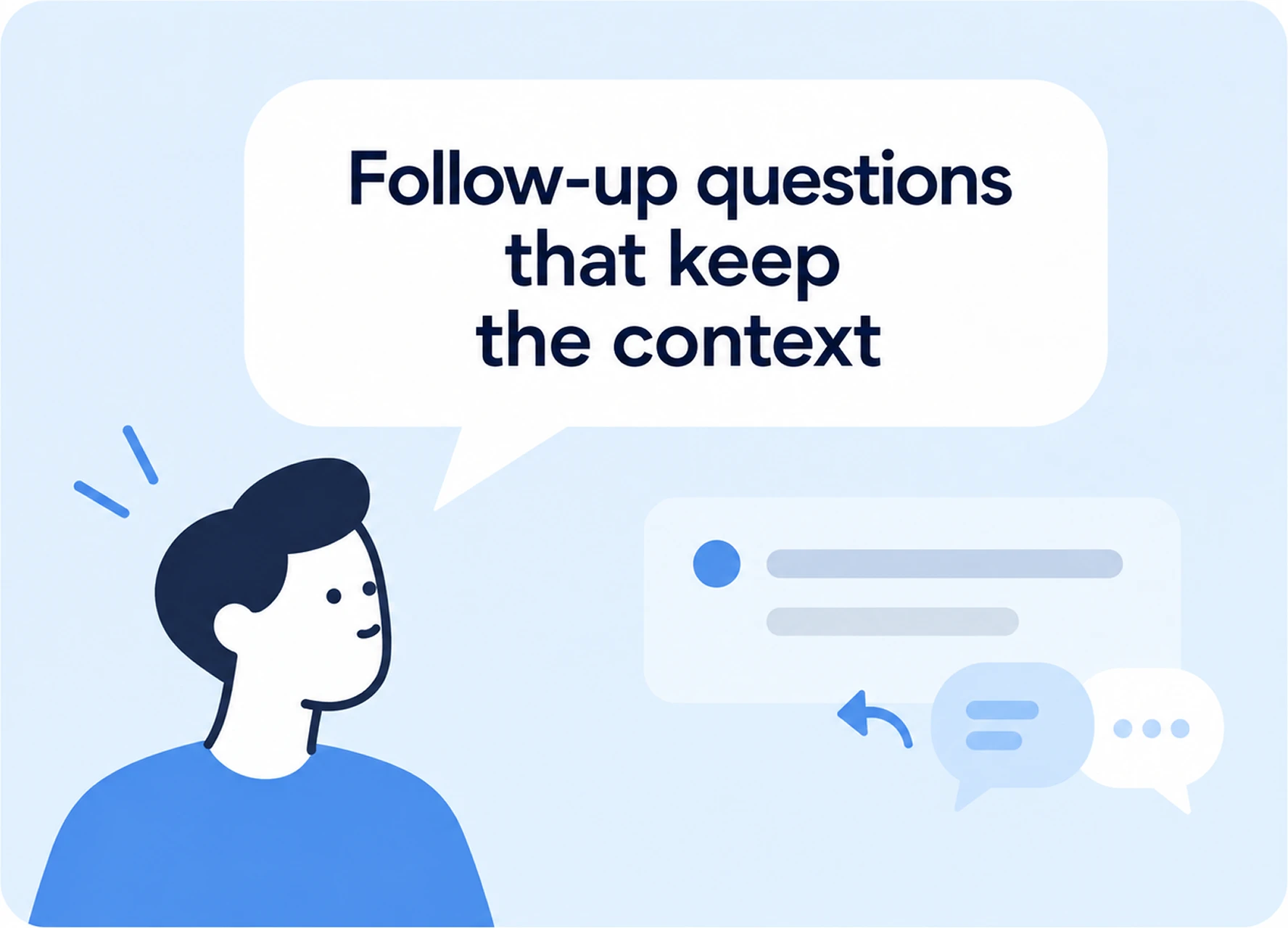
Support deeper investigation
Let engineers ask follow-up questions without losing the finding’s context.
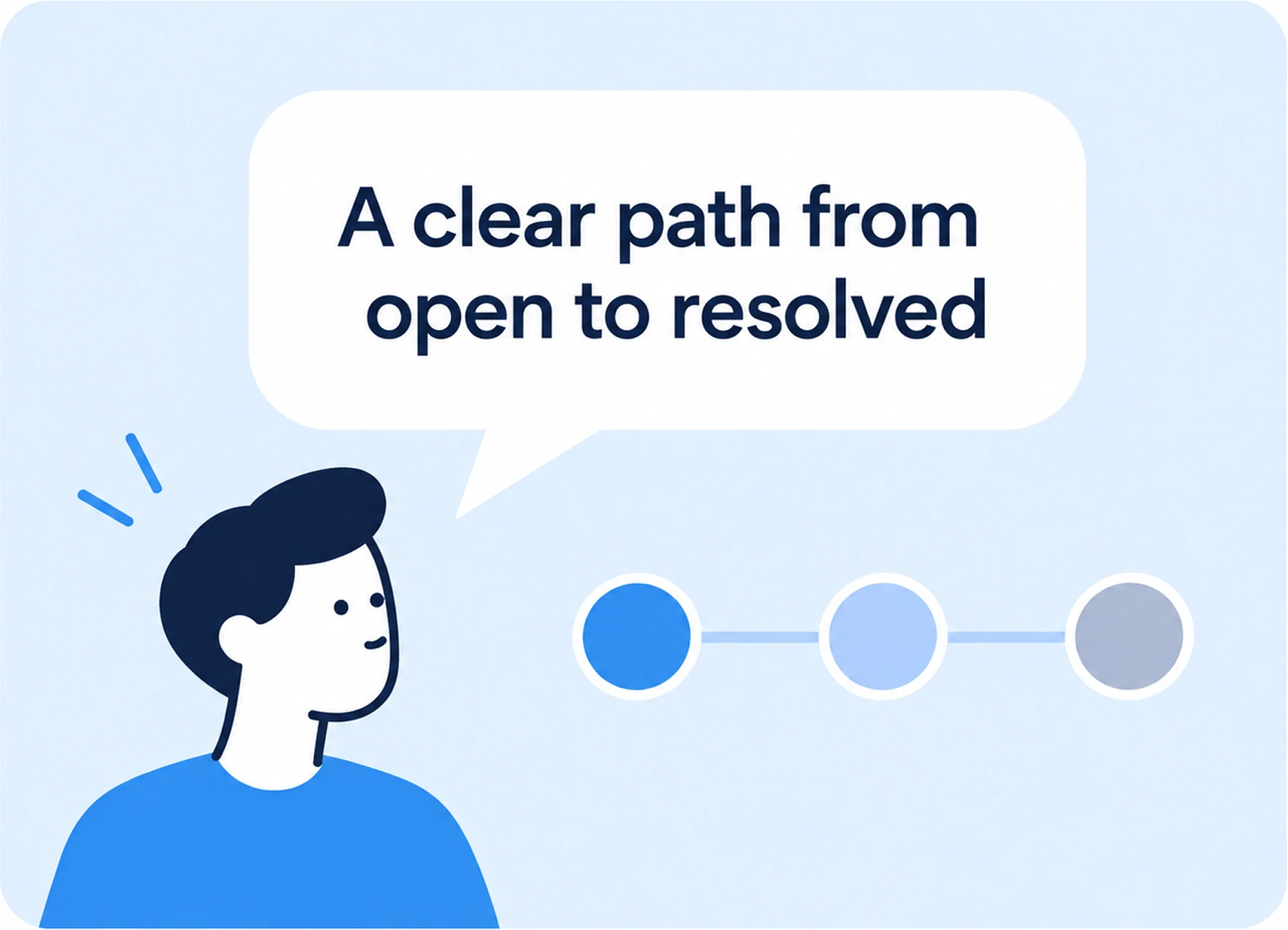
03
Track every finding
Keep findings auditable as their status changes, whether updated manually or with the agent.
THE GOAL
How might we make agentic engineering feel intuitive?
Help engineers understand the agent’s reasoning, review its work, and stay in control.
THE CONSTRAINT
Engineers needed structure. Time was still limited.
Potential users wanted findings beyond chat, but we didn’t have time to build a dedicated review experience from scratch.
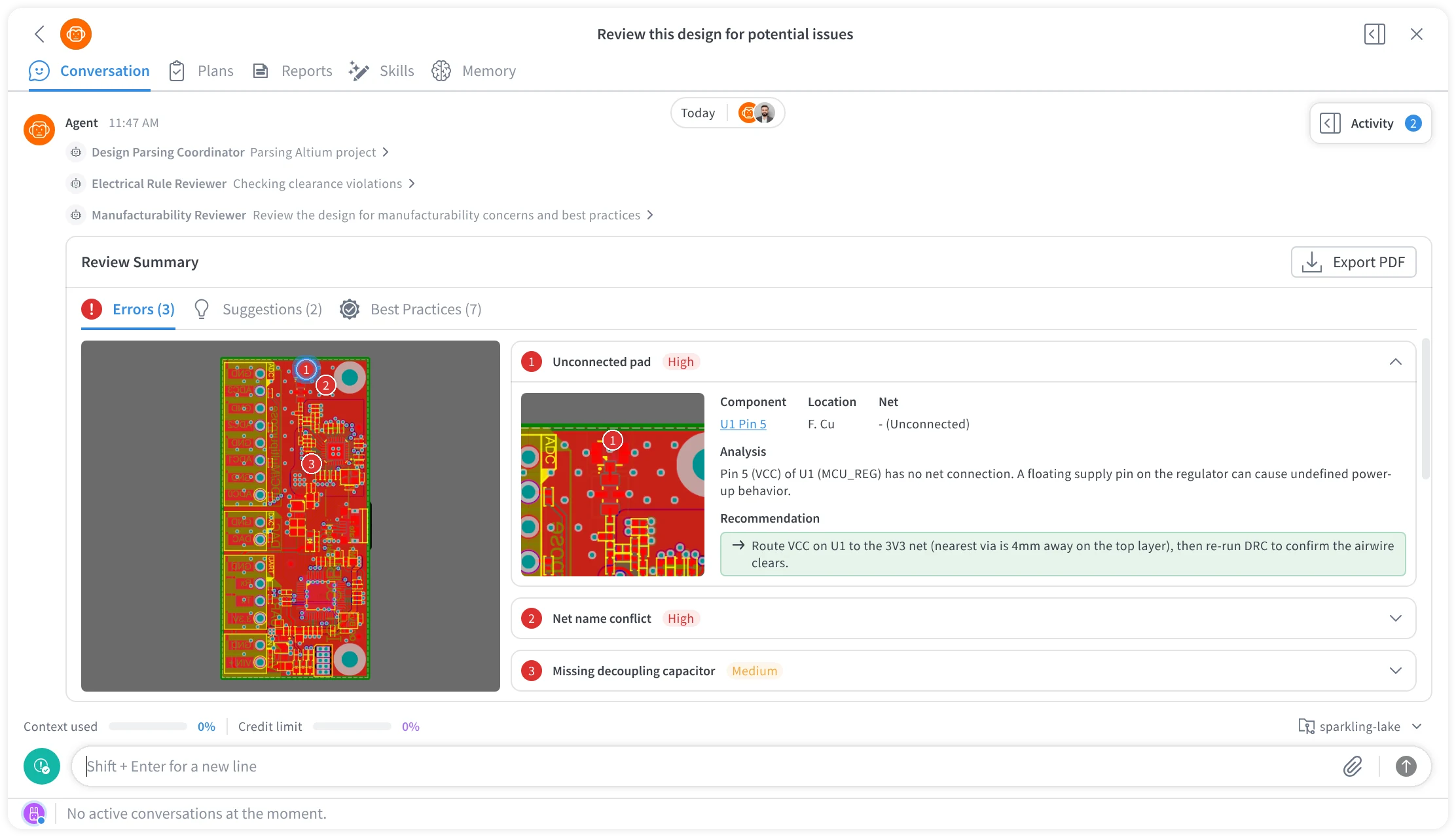
**initial proposed design
THE DESIGN RESPONSE
Reuse the foundation. Redesign for review.
We adapted the existing Plans layout into a structured findings list, inspired by Jira and Linear, so engineers could scan, prioritize, and track issues.
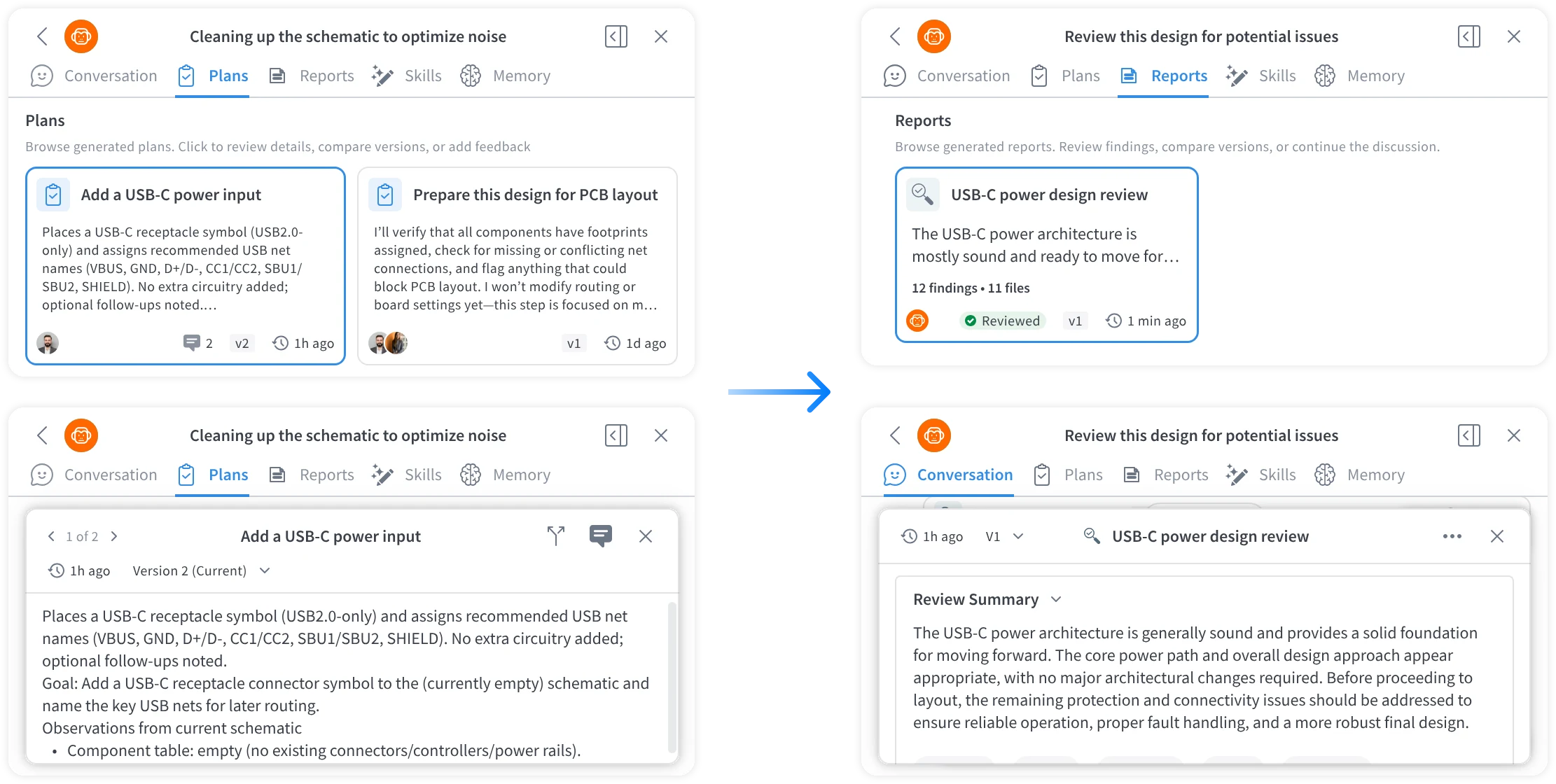
**original plans template
**Adapted for design review
1. Make review findings easy to scan
We organized review findings into a structured list so engineers can quickly see what needs attention and what’s working well in their design.
2. Make execution observable and interruptible
The live activity panel exposes status, evidence, decision rationale, tool activity, and an auditable history of changes, building trust and letting users intervene when a task goes off track.
3. Keep issue statuses up to date
Engineers can update each issue’s status manually or ask AI to update it, making it easier to see what’s been addressed and what still needs attention.
4. Keep follow-up conversations in context
Engineers can ask the agent questions directly within each finding. Keeping the discussion attached to the finding makes answers easier to understand and revisit, without cluttering the main conversation or requiring engineers to repeat the context.
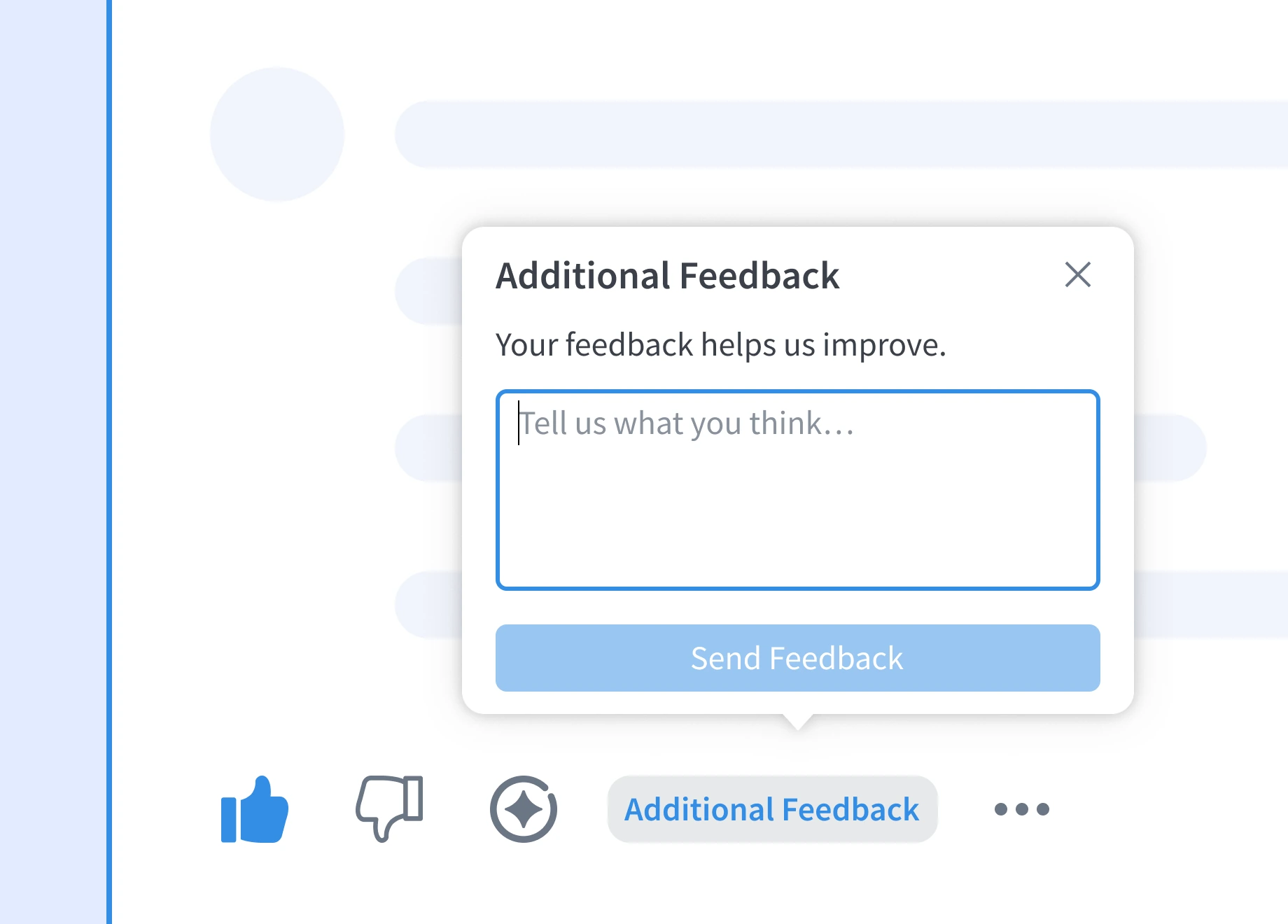
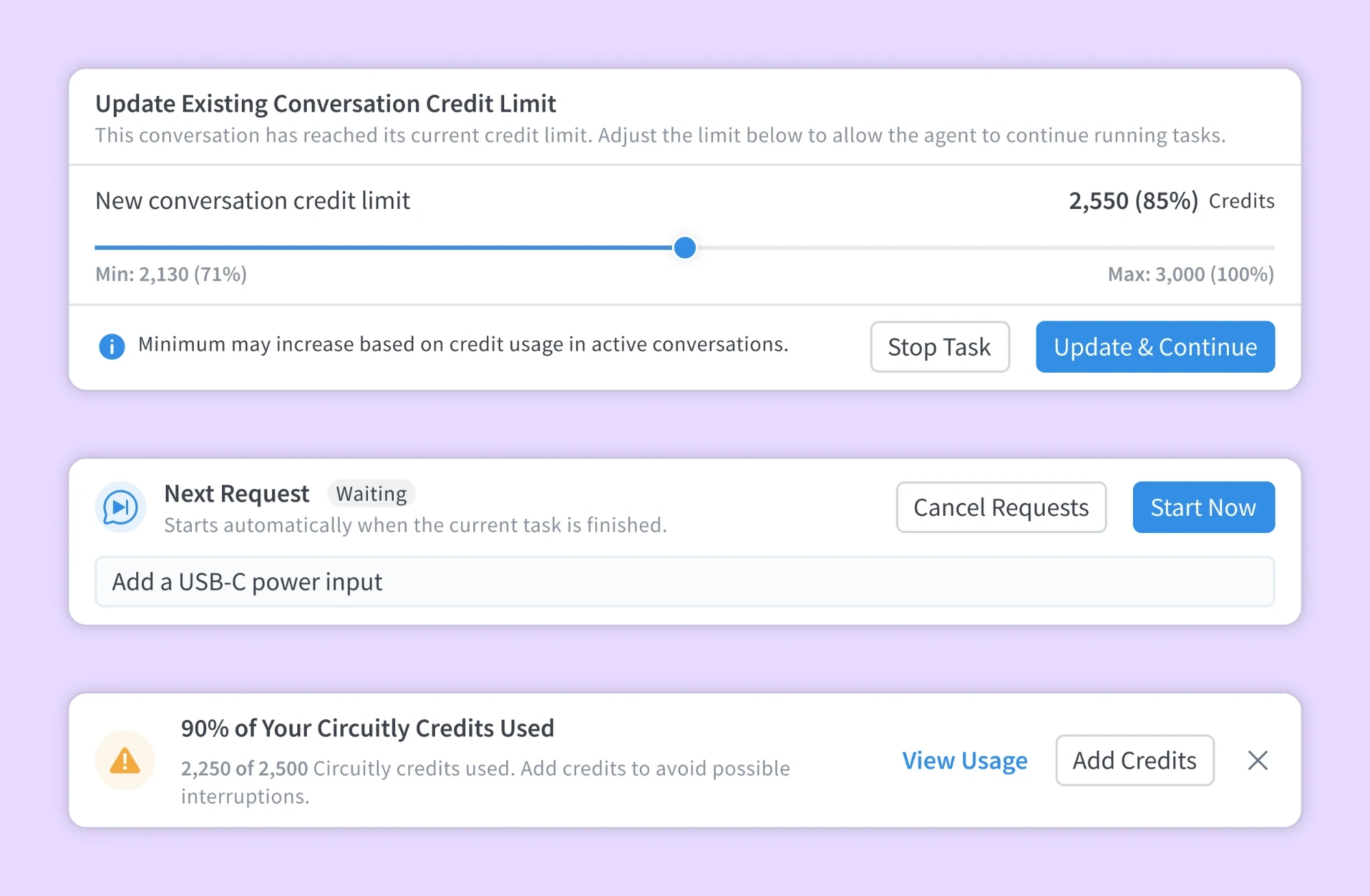
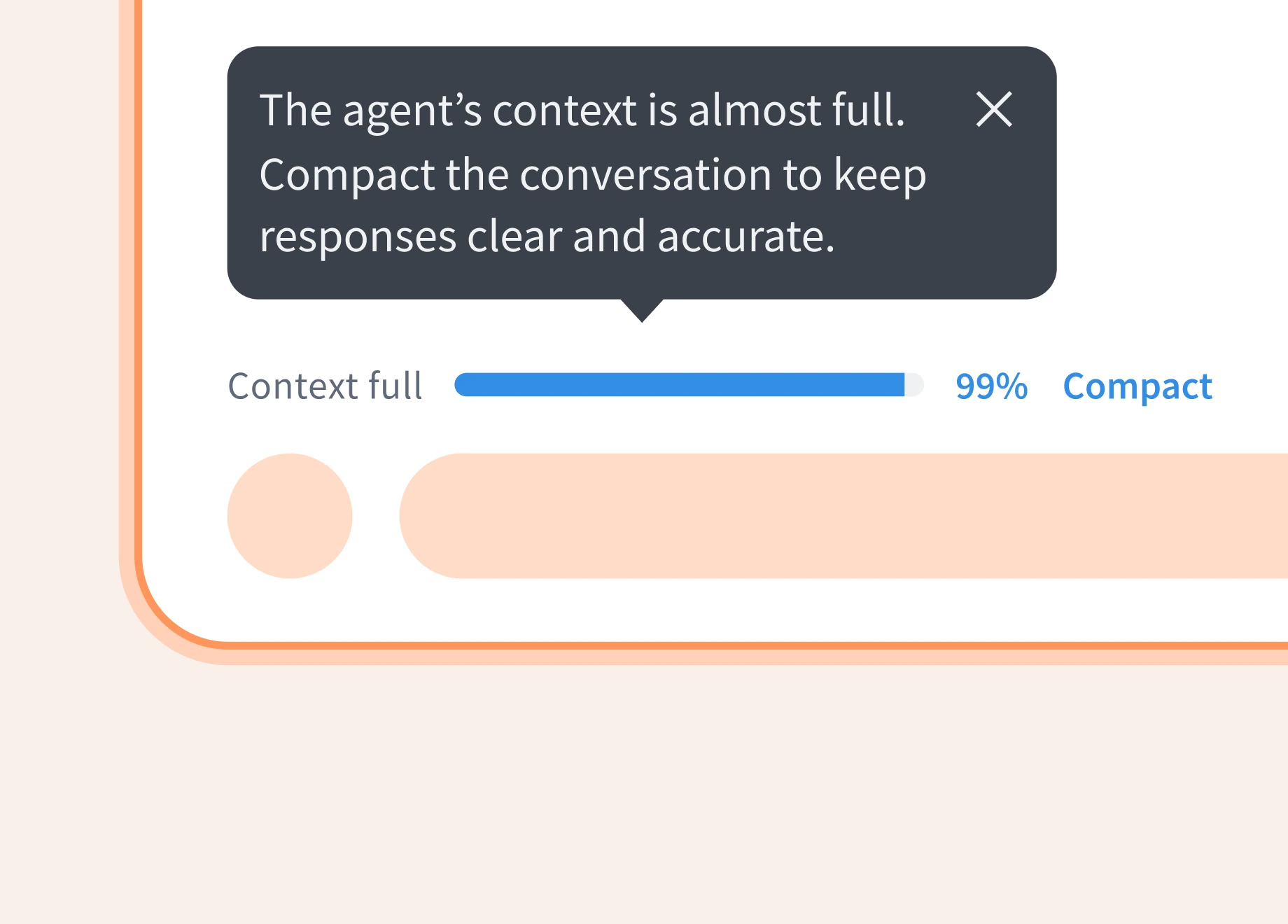
Designed for Every Moment ✨
Beyond the core workflows, we improved the experience at every level—from foundational interaction patterns to subtle interface details.
Outcomes
Engineers spent less time on design reviews, while 150+ signups and 100+ people on the beta waitlist signaled early interest in the product.
~40%
Less time on design review
150+
Signups
100+
People joined the beta waitlist